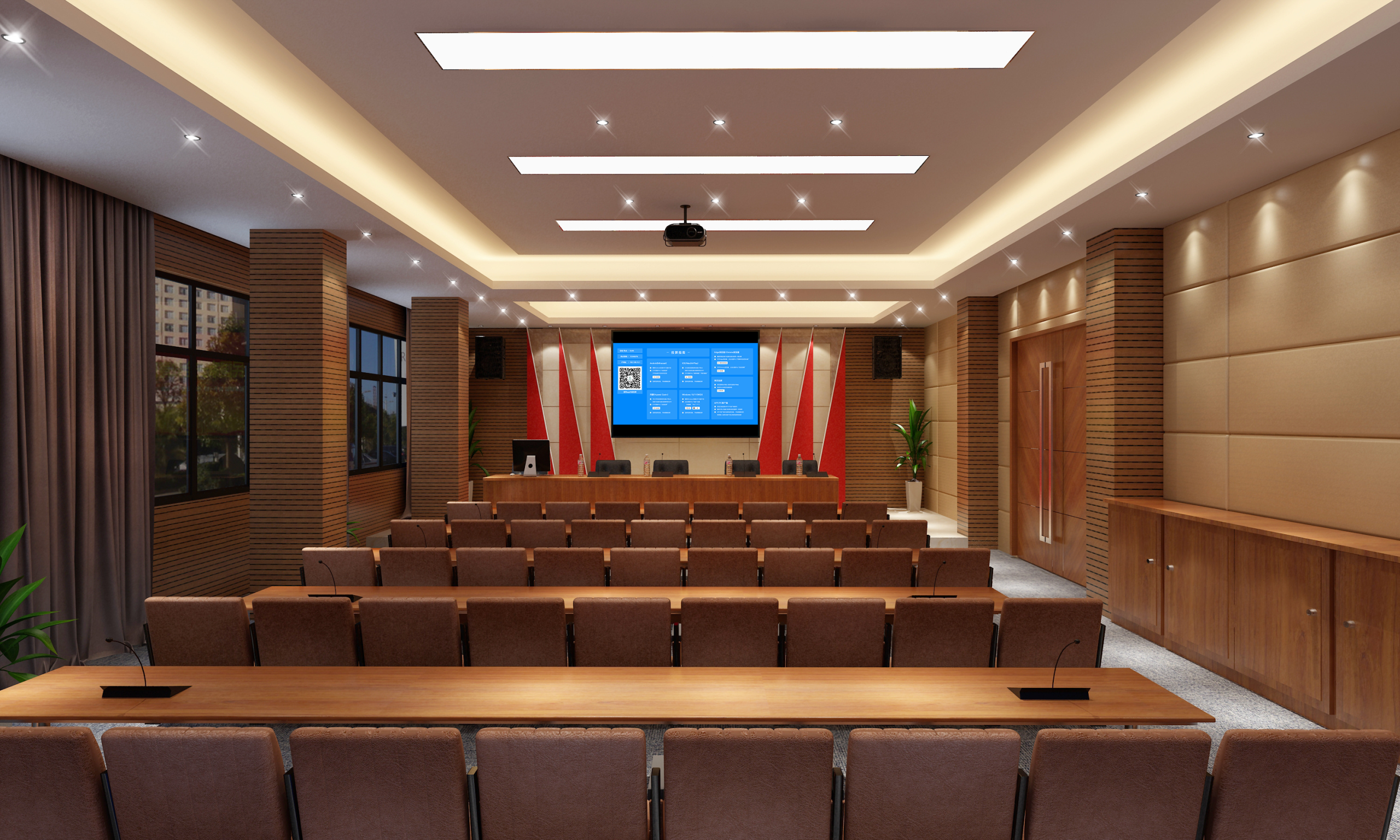
Built-in Video Conference Rooms: Smoother Remote Collaboration
Want to free your built-in video conference rooms from “lagging screen sharing and fragmented interaction”? This screen mirroring device easily solves these problems! It seamlessly integrates with conference room systems, supports high-definition screen sharing from multiple devices (computers and phones), and covers scenarios like remote business negotiations, cross-team communication, and client presentations. It makes remote collaboration as efficient as “face-to-face” interaction.
1-Minute to Integrate with Conference Rooms, Zero Complex Operations
No professional debugging is needed. Quickly activate collaboration features:
- Plug-and-Play Hardware Integration: Plug the screen mirroring receiver directly into the video conference room’s host (or the large screen’s HDMI port). After powering on, it automatically pairs with the room system, and the large screen displays a “Ready to Cast” indicator. Participants’ devices (computers/phones) connect to the conference room’s Wi-Fi (or the mirroring device’s hotspot).
- One-Tap Multi-Device Screen Sharing: On a computer, click “Project” in the taskbar and select the room device name. On a phone, pull down the control center and tap “Screen Mirroring.” The connection will be complete in 1-2 seconds, and the shared content will synchronize to the room’s large screen and remote participants. No drivers or dedicated software are needed throughout the entire process.
Core Advantages: Meeting the Needs of Video Conference Rooms
High-Definition and Stable Transmission, Comprehensive Remote Display
- It supports 1080p Full HD screen sharing. Details are clear when casting PPTs, Excel charts, and 3D product models, allowing remote participants to clearly see data annotations. 4K video sharing is smooth and lag-free. When demonstrating product promotional videos or operational tutorials, colors are accurately reproduced, maximizing the visual experience.
- Dual-band (2.4GHz+5.8GHz) transmission provides strong anti-interference. Even with multiple devices connected in the conference room, screen sharing latency is as low as 15ms. Page-flipping and dragging documents are seamless, with a disconnection rate below 0.1%, ensuring important business negotiations are uninterrupted.
Multi-Device Collaboration, More In-Depth Interaction
- Local participants can take photos of meeting minutes or whiteboard sketches with their phones and cast them to the room’s large screen with one tap, simultaneously sharing them with remote participants. Remote participants can annotate and suggest modifications through the room system, and these annotations are relayed back to local devices in real-time, making two-way interaction feel like “being in the same room.”
- It supports “multi-picture split-screen“: the room’s large screen displays remote participants’ video on the left, and local shared content on the right. Both screens are presented simultaneously, eliminating frequent switching during communication and making information transfer more efficient.
Full Device Compatibility, No Model Restrictions
- It covers all operating systems: Windows, macOS, iOS, and Android. Computers and phones from brands like Lenovo, HP, Apple, and Huawei can share screens smoothly. Clients’ own devices and older team models are also compatible, preventing “device mismatch” from delaying meetings.
- It seamlessly integrates with mainstream video conference room systems (e.g., DingTalk Rooms, Tencent Meeting Rooms, Zoom Rooms). Shared content automatically adapts to the room’s resolution, eliminating the need for manual adjustment of the screen ratio.
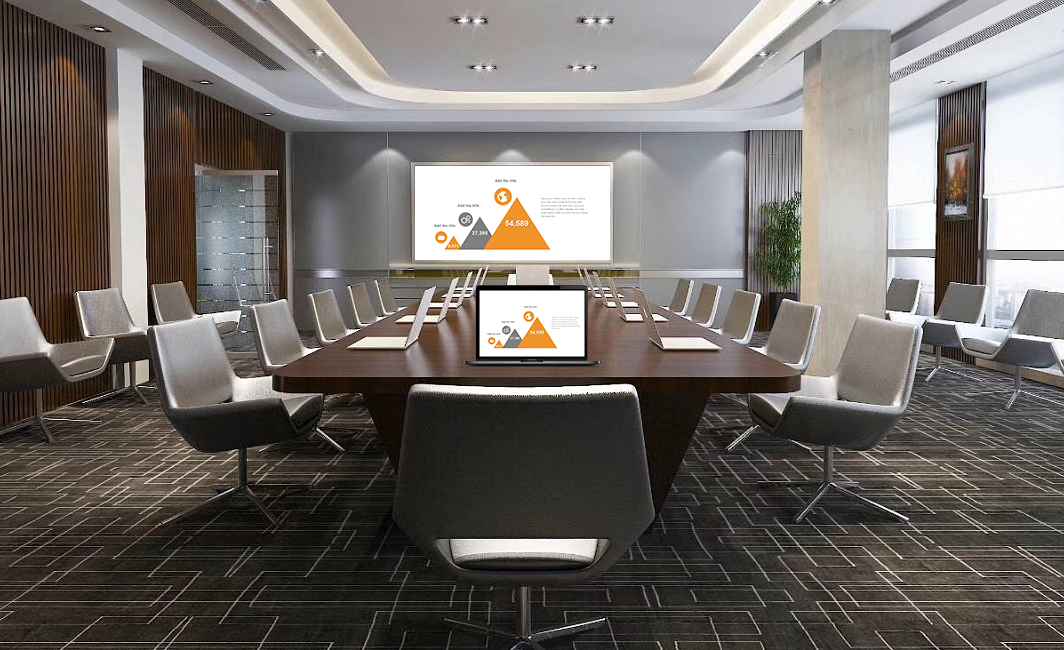
Applicable to All Scenarios: Empowering Video Conference Rooms
Remote Business Negotiations: More Efficient Decision-Making
- When cross-regional teams meet, local participants cast proposal documents from their computers to the room’s large screen. Remote participants annotate and suggest modifications through the room system, which are synchronized to local devices in real-time. Taking photos of the on-site discussion whiteboard with a phone and sharing it allows remote participants to directly annotate. This quickly integrates multi-party opinions, boosting decision-making efficiency by 50%.
- During high-level business negotiations, cast financial reports and project progress charts to the room’s large screen. The “local zoom” function allows remote participants to clearly view key data, preventing misunderstandings due to blurry images.
Client Presentations: Maximized Professionalism
- When demonstrating products to remote clients, cast 3D models from a computer to the room’s large screen. Use the screen mirroring device to rotate and disassemble the model in real-time, showcasing internal structures. Take photos of product details with a phone and share them, allowing clients to clearly see materials and craftsmanship, making communication more intuitive.
- Before signing a contract, cast contract documents from a tablet to the room’s large screen. Both parties can annotate key clauses through the room system. After confirmation, the annotated version can be saved directly, eliminating repetitive file transfers and making the signing process smoother.
Cross-Team Training: Clearer Teaching
- Headquarters trainers can conduct lessons through video conference rooms. Locally, a computer casts lesson plans to the large screen, and a phone shares photos of practical steps, allowing remote trainees to see detailed operations clearly. Trainees ask questions through the room system, and the trainer annotates answers in real-time on a tablet, boosting interaction rates by 60% compared to purely online training.
- During technical disclosure meetings, cast engineering drawings to the room’s large screen. The “layered display” function allows remote engineers to view design details layer by layer and annotate modification suggestions, ensuring seamless technical communication.
Practical Details: Peace of Mind for Conference Rooms
- Permission Control: Set “participant screen sharing permissions,” allowing only the host or authorized devices to share screens, preventing irrelevant content from interfering with the meeting. Shared content is encrypted during transmission, protecting client proposals and internal data from leakage.
- Smart Memory: After frequently used participant devices are connected for the first time, a pop-up reminder will automatically appear when they enter the conference room next time, prompting them to share their screen. This eliminates repetitive searching and saves meeting preparation time.
- Convenient Maintenance: Enterprises can centrally manage all conference room screen mirroring devices through a backend platform, remotely updating firmware and configuring parameters, leading to low batch maintenance costs.
Whether for remote business negotiations, client presentations, or cross-team training, using this screen mirroring device to integrate with video conference rooms can make remote collaboration smoother and interaction more in-depth, truly breaking geographical limitations and improving meeting efficiency.