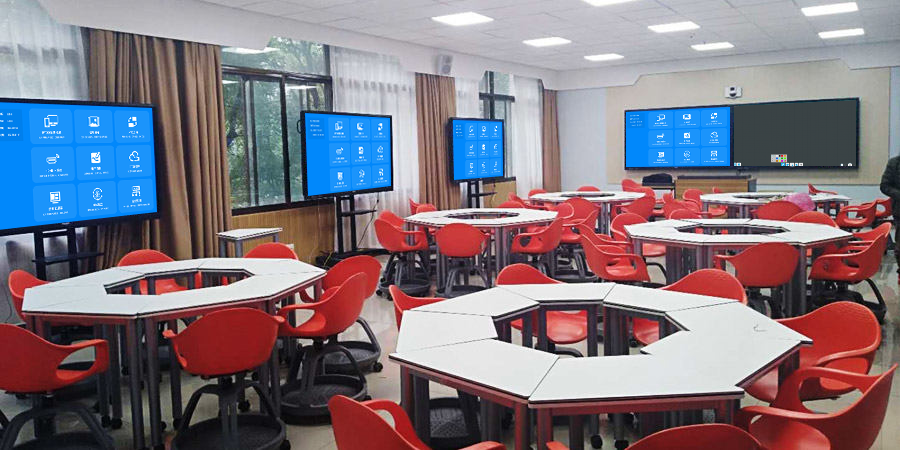
During the construction and use of interactive classrooms, teachers and students often encounter various issues regarding phone and computer screen mirroring. This article compiles 10 of the most common questions with answers to help you clear technical obstacles.
A: Yes. Professional interactive classroom mirroring solutions support both Apple’s AirPlay protocol and Android’s Miracast protocol, ensuring all phones can mirror smoothly.
A: Mature solutions come with management features. For example, adopting a “mirroring code” mechanism or requiring teachers to confirm authorization on the host device effectively maintains classroom order.
A: This is usually caused by LAN congestion. It is recommended to deploy professional hardware mirroring adapters for interactive classrooms. By creating an independent network channel, they fundamentally resolve latency and stuttering issues.
A: Yes. Some advanced solutions support “4-split screen” display. Teachers can simultaneously show mirroring content from four groups’ phones on the main screen for comparison and explanation.
Additional common questions include: Can mirroring be done without a network? Can mirrored content be saved? How can teachers quickly switch between computer and phone mirroring? etc.
We hope this interactive classroom Q&A helps you better understand and use mirroring technology, allowing technology to truly empower teaching.