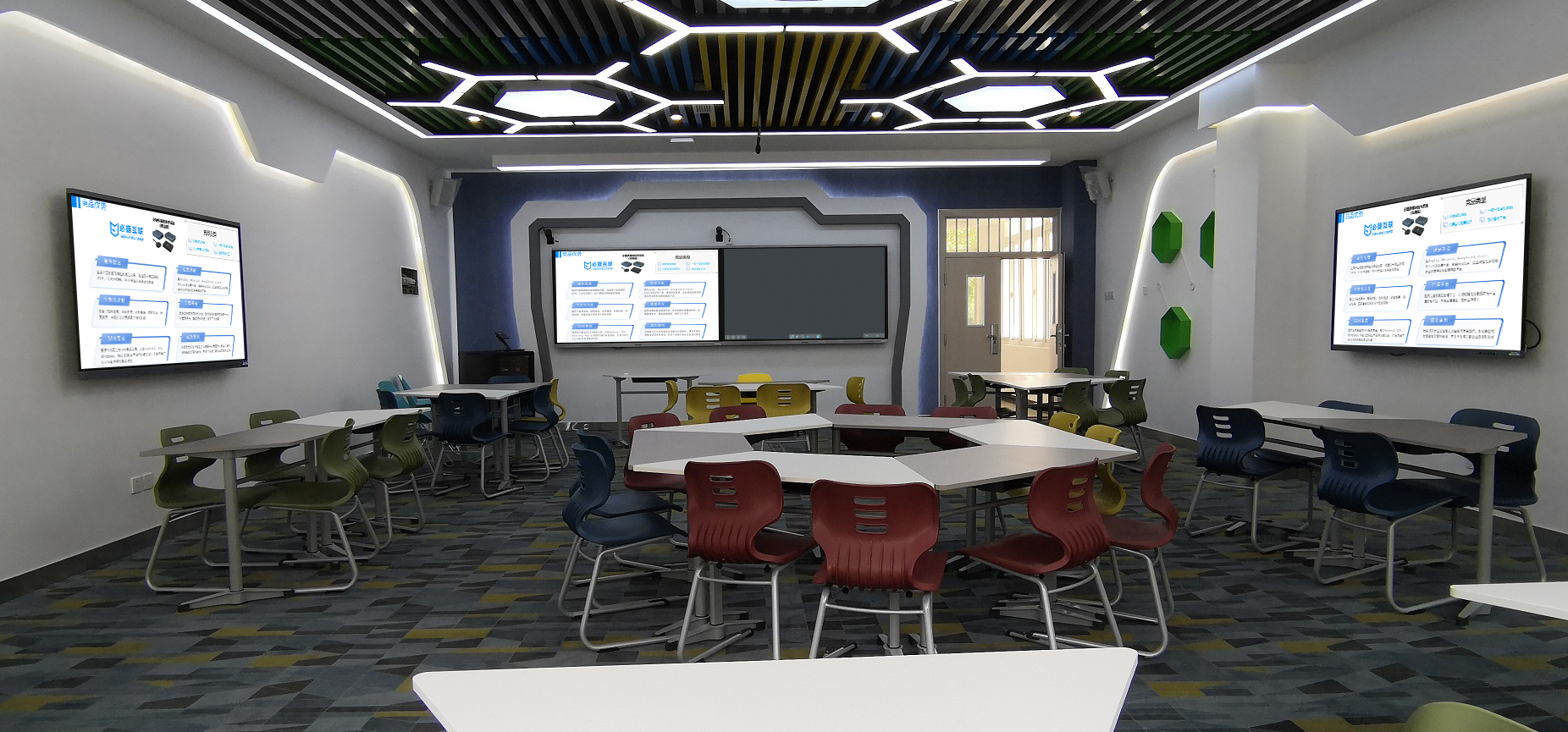
Smart Classrooms: Phone Screen Mirroring Makes Teaching More Dynamic
Want your phone to be an interactive tool in a smart classroom? This screen mirroring device makes it happen with one tap! It’s fully compatible with Android and iPhone, requires no software installation, and instantly connects to smart boards and projectors. It covers every part of the lesson, from teaching and practical training to discussions, turning your phone’s small screen into a “big helper” for teaching and activating the energy of classroom interaction.
2 Steps to Connect: A Quick Start for Teachers and Students
It’s even easier to use than connecting to Wi-Fi:
- Quick Hardware Setup: Plug the screen mirroring receiver into the smart board or the main classroom screen and power it on. The large screen will display a dedicated device name. Connect your phone and the screen mirroring device to the campus Wi-Fi (if there’s no network, you can connect to the screen mirroring device’s hotspot).
- One-Tap Phone Mirroring: On Android, swipe down the quick settings panel and tap “Wireless Display” / “Cast.” On iPhone, open the Control Center and tap “Screen Mirroring.” Select the device name, and it will connect in 1 second, with the picture synchronizing in real time. A new teacher or student can learn how to do it just by watching once.
Core Advantages: A Great Fit for Smart Teaching Needs
Full Phone Compatibility, No Barriers to Teaching
- It fully supports Android 4.2+ and iOS 9+, and the compatibility rate for mainstream models like Huawei, Xiaomi, and iPhone is over 98%. Student’s own devices and teachers’ phones can mirror smoothly, so you’re not limited by the model.
- It’s lightweight with no app installation required, so it doesn’t take up phone memory and prevents pop-up interference during class, meeting the need for simplicity and efficiency in a smart classroom. It also supports linking with educational software, so photos and annotated content can be mirrored directly.
High-Definition and Stable Transmission, Uninterrupted Interaction
- 1080p Full HD mirroring ensures clear details in lesson plans and experimental videos, with true color reproduction. Audio and video are precisely synchronized, so there’s no lag when playing educational audio or animations, and the lesson pace is smoother.
- Dual-band transmission provides strong anti-interference, ensuring a stable connection even when multiple phones are mirroring at the same time. The disconnection rate is below 0.1%, so a public class or a live broadcast won’t be interrupted, and the teaching process is smoother.
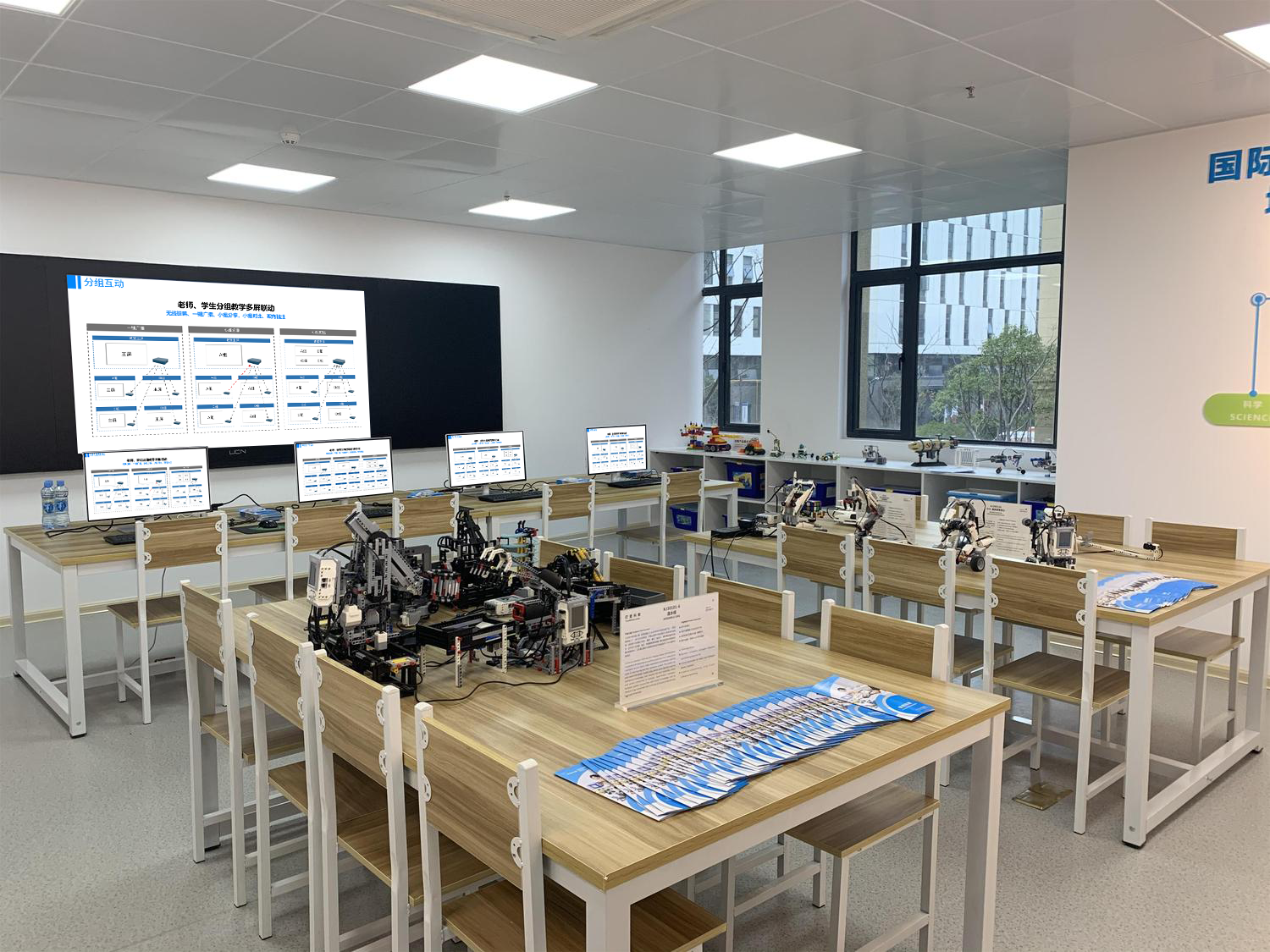
Applicable to All Scenarios: Phone Mirroring Empowers Smart Teaching
Classroom Teaching: More In-Depth Interaction
- A teacher can use their phone to take photos of key textbook points or handwritten notes and mirror them to the smart board with one tap, so the whole class can see them clearly without the teacher repeatedly erasing and rewriting on the board. They can push micro-lecture videos to the large screen and use their phone to circle and annotate when they pause, making concept explanations more precise.
- A student can use their phone to take photos of their problem-solving steps or hand-drawn mind maps and mirror them to share their ideas. The teacher can annotate and give feedback in real time, boosting classroom engagement by 60% and moving away from “passive listening.”
Practical Demonstrations: More Intuitive Details
- In a science lab, a teacher can use their phone to record a close-up video of an experiment (e.g., a chemical reaction, equipment operation) and mirror it, enlarging it onto the large screen, so even students in the back can see the details clearly. When students are doing a hands-on exercise, they can take a photo of their work and upload it, and the teacher can annotate the errors remotely, making guidance more efficient.
- In an art or craft class, students can use their phones to take photos of their work and mirror them. The whole class can give feedback, and with the teacher’s reference cases, comparisons and improvements become clearer, and professional skills are taught more precisely.
Discussions: Smoother Result Sharing
- In a group project, each group can take turns mirroring their research reports and survey data from their phones. Displaying them on a large screen is more intuitive, eliminating the need to pass devices around. A teacher can use their phone to push supplemental materials and add to the students’ findings, making for a more thorough exchange of ideas.
- In a remote learning setting, students at home can use their phones to mirror homework or ask questions, interacting with the classroom in real time. Smart teaching ensures no one is left behind.
Practical Compatibility: Peace of Mind for Smart Classrooms
- The screen mirroring device is palm-sized, weighing less than 40g, so teachers can carry it with them and quickly set up a mirroring scenario even for outdoor research. It automatically remembers frequently used large screens, connecting with one tap next time, saving class time.
- It supports permission control, allowing only authorized teachers and students to mirror from their phones, preventing irrelevant content from interfering. It also works with the campus system to ensure the security of teaching data, making it more convenient for schools to use in bulk.
Whether it’s for daily teaching, practical demonstrations, or group discussions, using this screen mirroring device to integrate phones into a smart classroom easily achieves an interactive leap from a small screen to a big one, making teaching more dynamic and efficient.