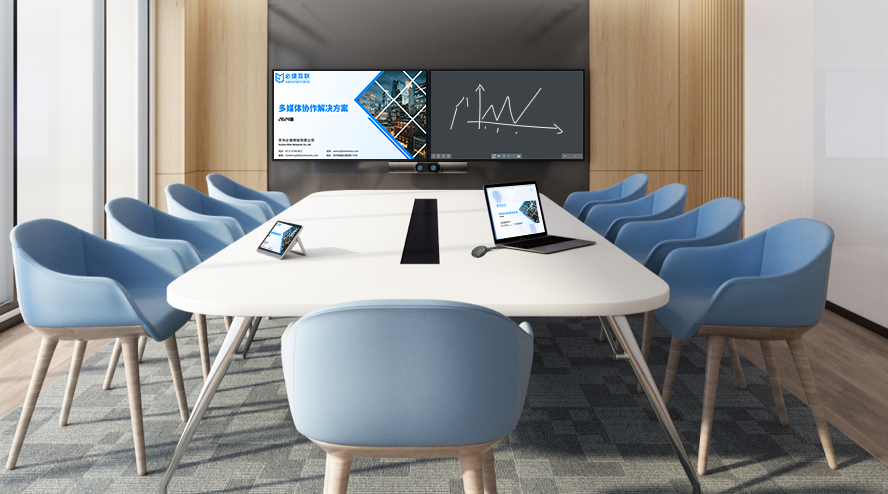
During critical smart classroom lectures, sudden stuttering, latency, or disconnection of
wireless screen mirroring can severely undermine teaching effectiveness. How to fundamentally solve the stability issue? This article reveals the root causes and presents the ultimate solution.
Wireless screen mirroring via software relies entirely on the public bandwidth of the local area network (LAN) for signal transmission. When a large number of devices connect to the network, congestion and interference are inevitable, leading to a degraded mirroring experience.
Professional hardware mirroring adapters are the ultimate answer to this pain point. Their core advantages include:
- Independent Dedicated Channel: Creates its own independent Wi-Fi network specifically for mirroring data transmission, avoiding bandwidth competition with the campus network.
- Hardware-Level Decoding: Equipped with professional decoding chips, enabling more efficient processing of high-definition video streams with extremely low latency.
- Guarantee Teaching Flow: Absolute stability ensures that classroom teaching rhythm is not disrupted by technical issues.
- Ultimate Ease of Use: Plug-and-play functionality allows visitors and students to get started quickly.
- Enhanced Security Management: Supports features like mirroring codes to prevent accidental or malicious casting.
If you’re fed up with unstable software-based wireless screen mirroring, investing in a professional hardware mirroring solution is the inevitable path to ensuring the smooth operation of smart classrooms.