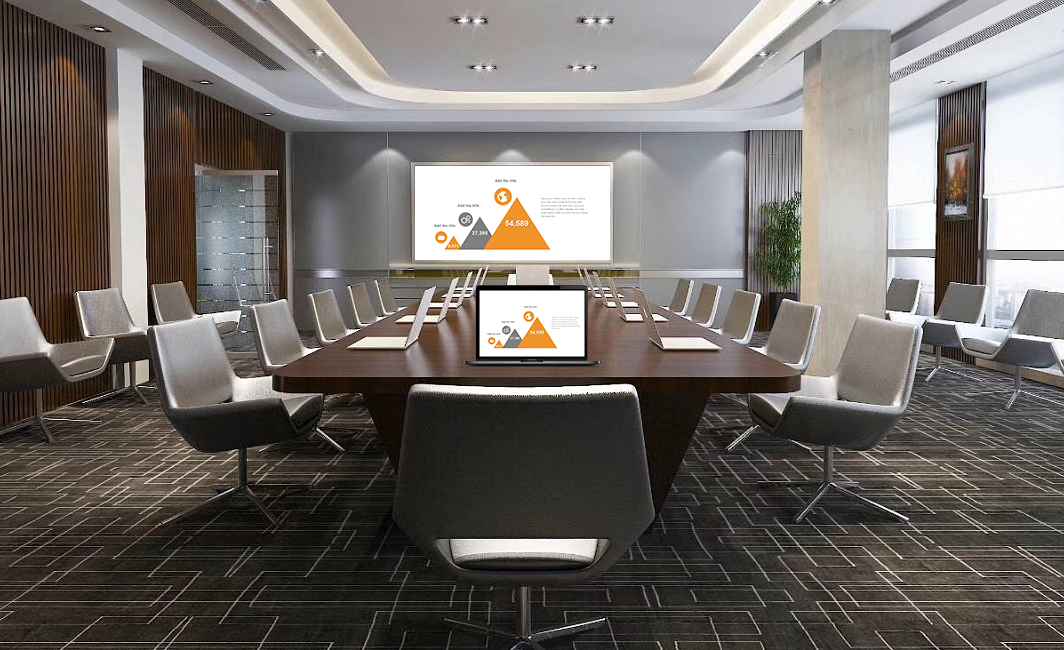
Use This for Wireless Screen Mirroring: Easier Multi-Screen Collaboration in the Classroom
Does your smart classroom need to get rid of tangled cables and easily connect multiple devices to a large screen? This screen mirroring device is the perfect solution! It’s compatible with multiple protocols like DLNA and WiDi and works with all Windows and Android devices. With no software to install, it works for teaching, practical training, and group discussions, making wireless mirroring a standard part of teaching.
2-Step Quick Connection: Anyone Can Do It
It’s even easier to use than connecting to Wi-Fi:
- Plug and Play: Plug the receiver into the smart board or a group’s secondary screen and a power source. The large screen will display a unique device name. Plug the transmitter into the teacher’s computer. Student devices don’t need a cable; they just need to connect to the campus Wi-Fi.
- One-Tap to Mirror: On a Windows computer, click “Project” and select the device. On an Android device, pull down the quick settings menu and tap “Wireless Display.” Select the device name, and you’ll be connected in 1 second, with the picture synchronizing in real time. A new teacher can learn how to do it just by watching once.
Core Advantages: Easy Mirroring for All Teaching Devices
All Protocols, All Devices, Perfect Compatibility
- It’s compatible with DLNA for targeted media pushing (so mirroring doesn’t take up the whole screen) and WiDi for native Windows mirroring, meeting different teaching needs. It works with all Windows computers and Android phones and tablets. The compatibility rate for new and old models from brands like Lenovo, Huawei, and Xiaomi is over 98%.
- It supports both screen mirroring (for synchronizing the whole screen) and targeted pushing (for just a document or a video). You can mirror a lesson plan, a video, or homework with ease, flexibly adapting to any teaching scenario.
High-Definition and Stable: An Uninterrupted Lesson Pace
- It supports 1080p Full HD and shows clear details in lesson plans and experimental videos. The dual-band transmission has strong anti-interference capabilities, so when multiple devices are mirroring at the same time, latency is less than 20ms, and the disconnection rate is less than 0.1%. A public class or a live broadcast won’t be interrupted.
- It uses the device’s native functions with no software or drivers to install, which prevents software conflicts and allows older educational devices to mirror smoothly.
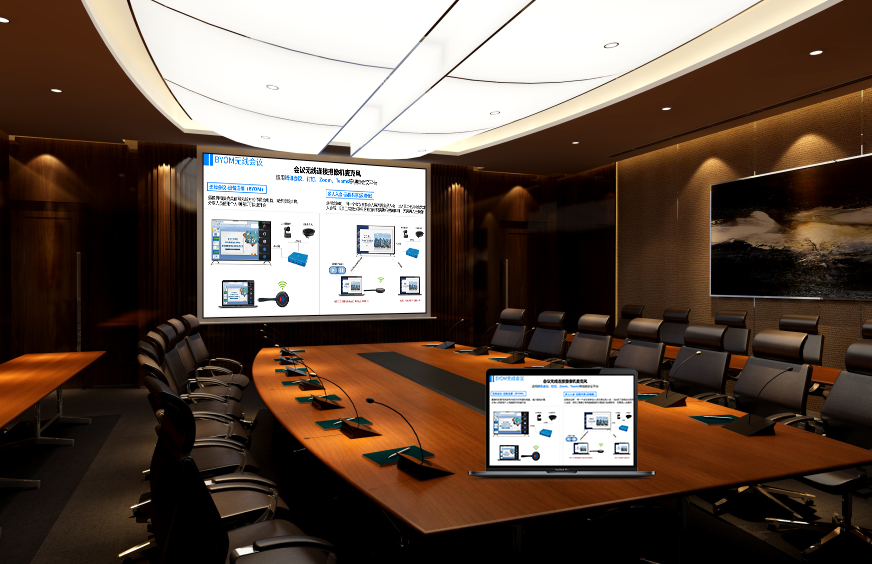
For All Scenarios: Empowering Smart Teaching
Daily Teaching: More Efficient Interaction
- A teacher can use a Windows computer to mirror a lesson plan to the smart board. They can use DLNA to push sections and get questions ready in the background. With an Android tablet and a stylus, they can annotate, and the marks will synchronize to student devices in real time for more timely feedback.
- In an English class, they can push a listening exercise to the speaker. The smart board can show the transcript at the same time. When they pause, they can circle keywords, and the combination of audio and visuals will boost efficiency.
Practical Training: Clearer Demonstrations
- In an auto repair class, they can use a computer to mirror a video of a device being taken apart to the large screen. It supports slow motion and freezing frames, and they can have a circuit diagram open in the background to switch to it whenever they need, which makes the connection between theory and practice closer. In a design class, they can mirror a video of PS operations. They can have a folder of materials open in the background on their computer, and the lesson will flow smoothly.
Discussions: Smoother Result Sharing
- A group can use an Android tablet to mirror a research report to a secondary screen to get feedback from their peers. Excellent work can be pushed to the main screen with a single tap. A remote expert can use a Windows computer to mirror their feedback and supplemental materials, making the discussion more interactive.
Secure and Portable: Peace of Mind for Campus Use
- It works with the campus system, so only authorized devices can mirror, and it supports password control to prevent irrelevant content from interfering.
- The mirroring device is only the size of a palm and weighs less than 40g. A teacher can easily put it in a computer bag for an outdoor study session and set up a mirroring environment anywhere. The batch management platform allows for unified device configuration, which lowers maintenance costs.
By using this wireless screen mirroring device, a smart classroom can get rid of tangled cables, and multiple devices can seamlessly connect to a large screen, making teaching more efficient and flexible.