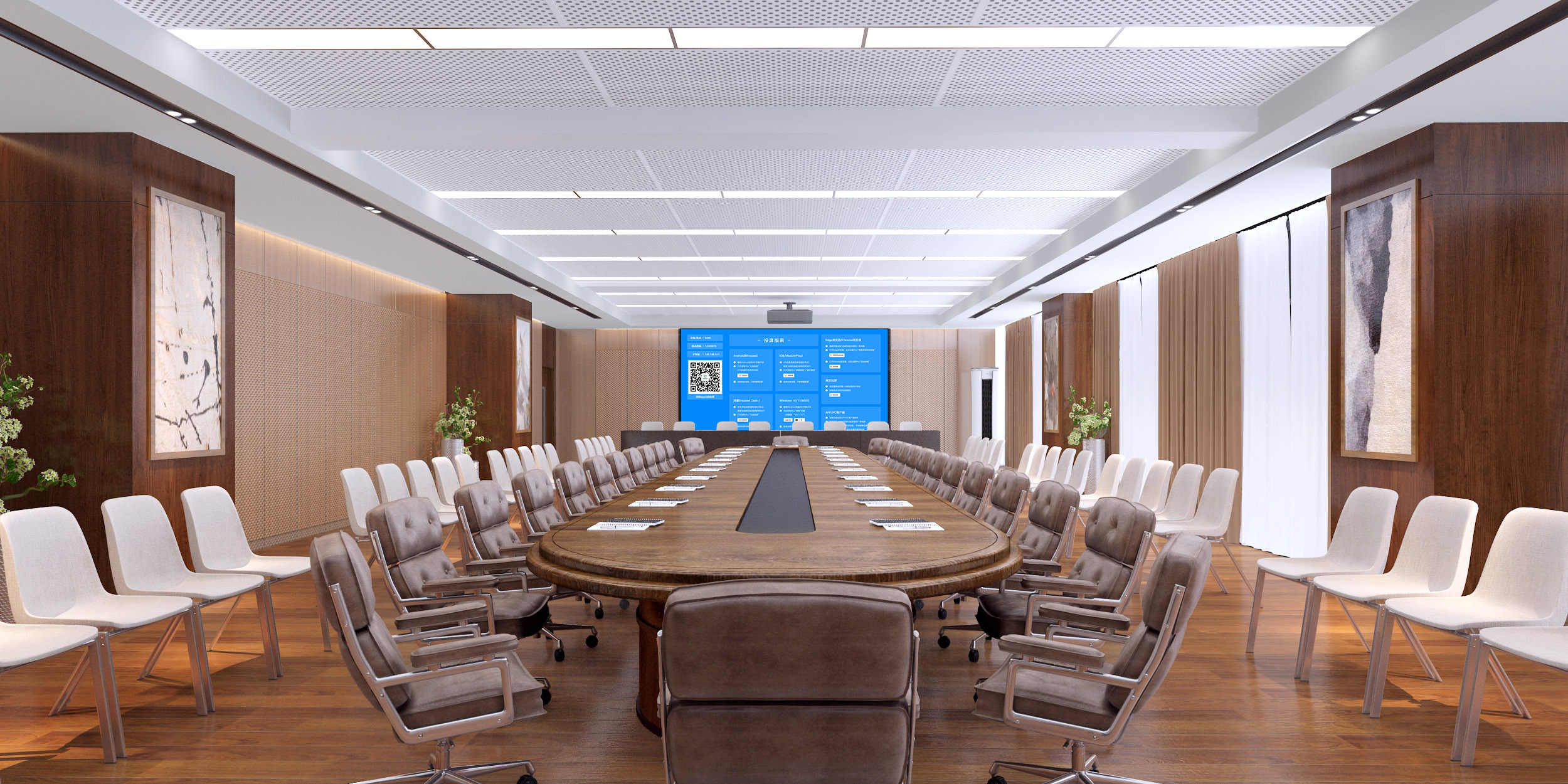
Wireless Screen Mirroring: Connecting Multiple Devices to a Screen Is Super Easy
Want to get rid of the hassle of “tangled cables, incompatible ports, and lagging connections” when screen mirroring? This mirroring device enables wireless screen connection with one tap! It’s compatible with all devices—computers, phones, and tablets—and covers scenarios like office presentations, home entertainment, and training. No software to install, no adapter cables to find. It lets multiple devices seamlessly connect to a large screen, and the operation is so simple that even seniors and children can use it.
30-Second Quick Connection, Easier Than Connecting to Wi-Fi
No technical expertise is required, just follow these steps to connect:
- Plug and Play Hardware: Plug the screen mirroring receiver into a large screen (conference screen/TV/projector) and power it on. The large screen will display a dedicated device name and connection guide. Plug the transmitter into your computer’s USB port (phones/tablets only need to connect to the same Wi-Fi; if there’s no network, you can connect to the mirroring device’s hotspot).
- One-Tap to Start Mirroring: On a Windows computer, click “Project” and select the device. On a Mac, click “Screen Mirroring.” On Android, pull down the quick settings menu and tap “Wireless Display.” On iPhone, open the Control Center and select “Screen Mirroring.” Select the device name, and the connection will be complete in 1-2 seconds, with the screen synchronizing in real-time. You won’t need to install any drivers throughout the entire process.
Core Advantages: More Reliable Wireless Screen Mirroring
All Devices, All Protocols, Perfect Compatibility
- It covers all operating systems: Windows, macOS, iOS, and Android. The compatibility rate for computers, phones, and tablets from brands like Lenovo, HP, Apple, Huawei, and Xiaomi exceeds 98%. Your clients’ own devices and old models at home can mirror smoothly, so you don’t have to worry about “device incompatibility.”
- It supports multiple protocols like Miracast, AirPlay, and DLNA. Computers can use WiDi for native mirroring, phones can use screen mirroring, and tablets can use targeted pushing. Switch as needed to meet various scenario demands.
High-Definition and Stable Transmission, Uncompromised Experience
- 1080p Full HD output ensures clear details when casting PPTs, design drawings, and movies, with no blurry text edges. It supports smooth 4K video playback, with true color reproduction for product promotional videos and family photos, maximizing visual impact.
- Dual-band (2.4GHz+5.8GHz) transmission provides strong anti-interference, ensuring stable mirroring even with multiple devices connected in a conference room or in a home with mixed router signals. Latency is as low as 15ms, allowing for smooth page-flipping, dragging, and video playback without lagging. The disconnection rate is below 0.1%, so it won’t let you down at critical moments.
Privacy Protection, More Peace of Mind
- “Window Mirroring” Support: When mirroring from a computer, you can choose to display only a specific window (e.g., a PPT, a document), so private content like WeChat on your desktop or file lists won’t be exposed, avoiding awkward situations during office presentations or client communications.
- Permission Control to Prevent Interference: You can set a “mirroring password” or a “trusted device list,” allowing only authorized devices to connect. This prevents irrelevant devices from accidentally mirroring and interrupting your presentation. For home use, it also prevents children from casting inappropriate content.
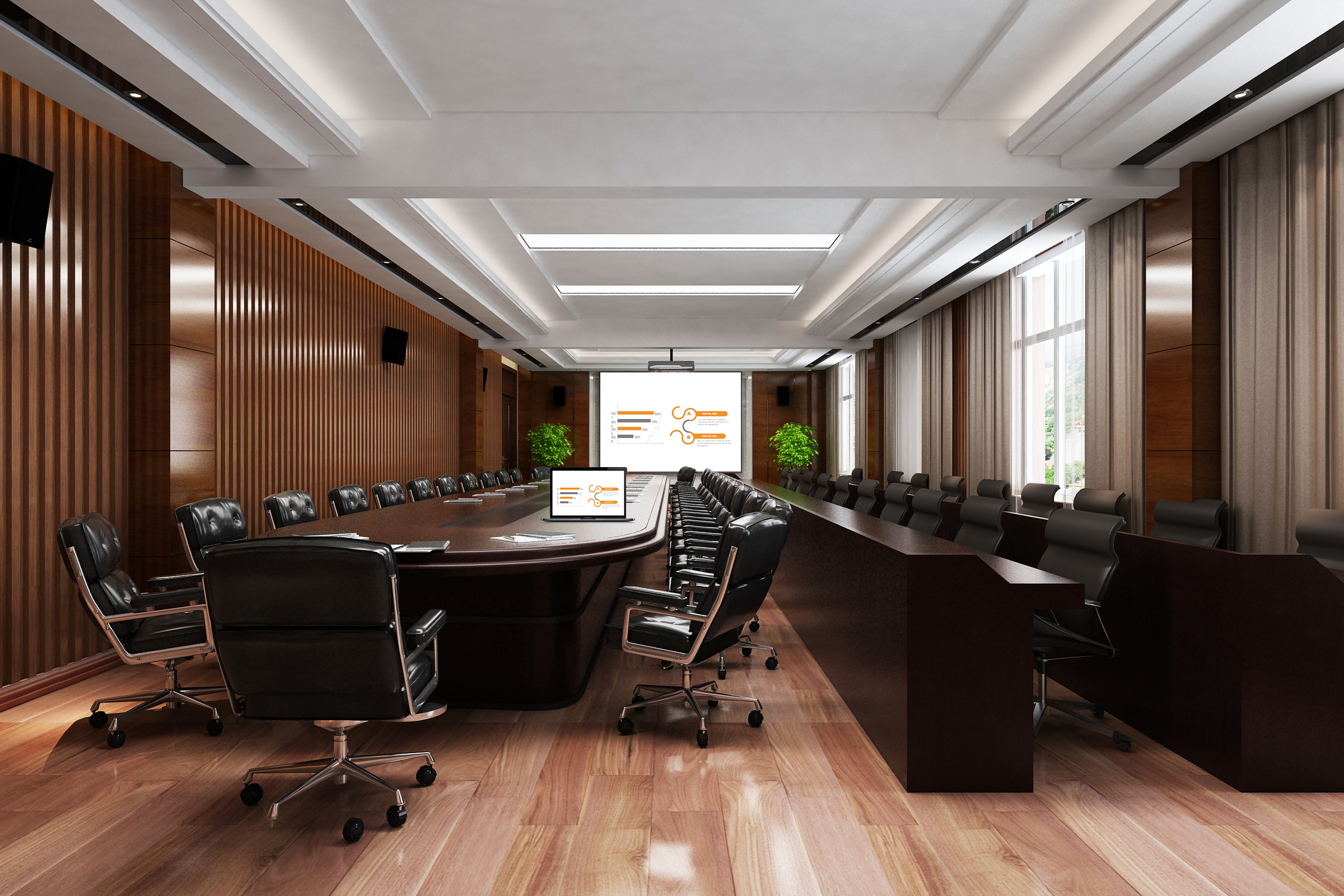
Applicable to All Scenarios: Super Practical Wireless Screen Mirroring
Office Scenarios: Efficient and Professional
- During business presentations, wirelessly cast your proposal from your computer to the conference screen. Use the mirroring device’s “laser pointer” and “annotation” functions to remotely highlight key data. If a client suggests a modification on the spot, take a photo of the handwritten draft with your phone and directly cast it to the screen for immediate discussion and adjustment, without repeatedly plugging and unplugging a USB drive.
- In cross-department collaborative meetings, multiple computers can take turns mirroring, with switching taking only 1 second. No need to fight for ports or change cables. You can complete discussions for 3 groups of proposals in 1 hour, boosting meeting efficiency by 40%.
Home Scenarios: More Enjoyable Entertainment
- On weekends, relax on the couch and wirelessly cast movies from your phone to the TV. After casting, you can turn off your phone’s screen to save power or switch to background apps like WeChat to chat, without affecting playback on the big screen. For children’s online classes, cast the course from a tablet to the TV for eye-friendly big-screen viewing. Parents can remotely control pause and rewind with their phones, making tutoring more convenient.
- During family gatherings, take turns casting travel photos and children’s growth videos from phones to the TV. Activate slideshow mode for automatic playback, with music played via a Bluetooth speaker. The whole family can gather to share, without crowding around a small screen.
Training Scenarios: Clearer Teaching
- Trainers can wirelessly cast lesson plans from their computers to the training screen. It supports “split-screen display,” with theoretical lesson plans on the left and practical videos on the right, for a more thorough understanding by trainees. After trainees complete their assignments on tablets, they can cast them with one tap for display. The trainer can annotate and provide feedback in real-time, making interaction more in-depth.
- For outdoor research or temporary training, connect the mirroring device to a portable projector. Computers and phones can wirelessly cast at any time, eliminating the need to find power outlets or manage cables, quickly setting up a teaching environment for flexible needs.
Practical Details: More Peace of Mind for Daily Use
- Portable and Easy to Carry: The screen mirroring receiver is palm-sized, weighing less than 40g, making it easy to slip into a computer bag or phone case for business trips or travel, without taking up space. The transmitter is plug-and-play, requires no extra charging, and is ready to use anytime, anywhere.
- Durable and Stable: The casing is made of wear-resistant and drop-proof material, making it resistant to damage from long-term use. It supports 7×24-hour continuous mirroring, suitable for large meetings and long training sessions.
- Smart Memory: After a frequently used device is connected for the first time, a pop-up reminder will automatically appear when you’re nearby next time. Simply click to confirm and start mirroring, eliminating repetitive search steps, making it easy for seniors and new users to operate.
Whether for office presentations, home entertainment, or training, using this wireless screen mirroring device will free you from cable clutter and device compatibility issues, making every screen connection simple, smooth, and worry-free, truly unleashing the value of multi-device collaboration.