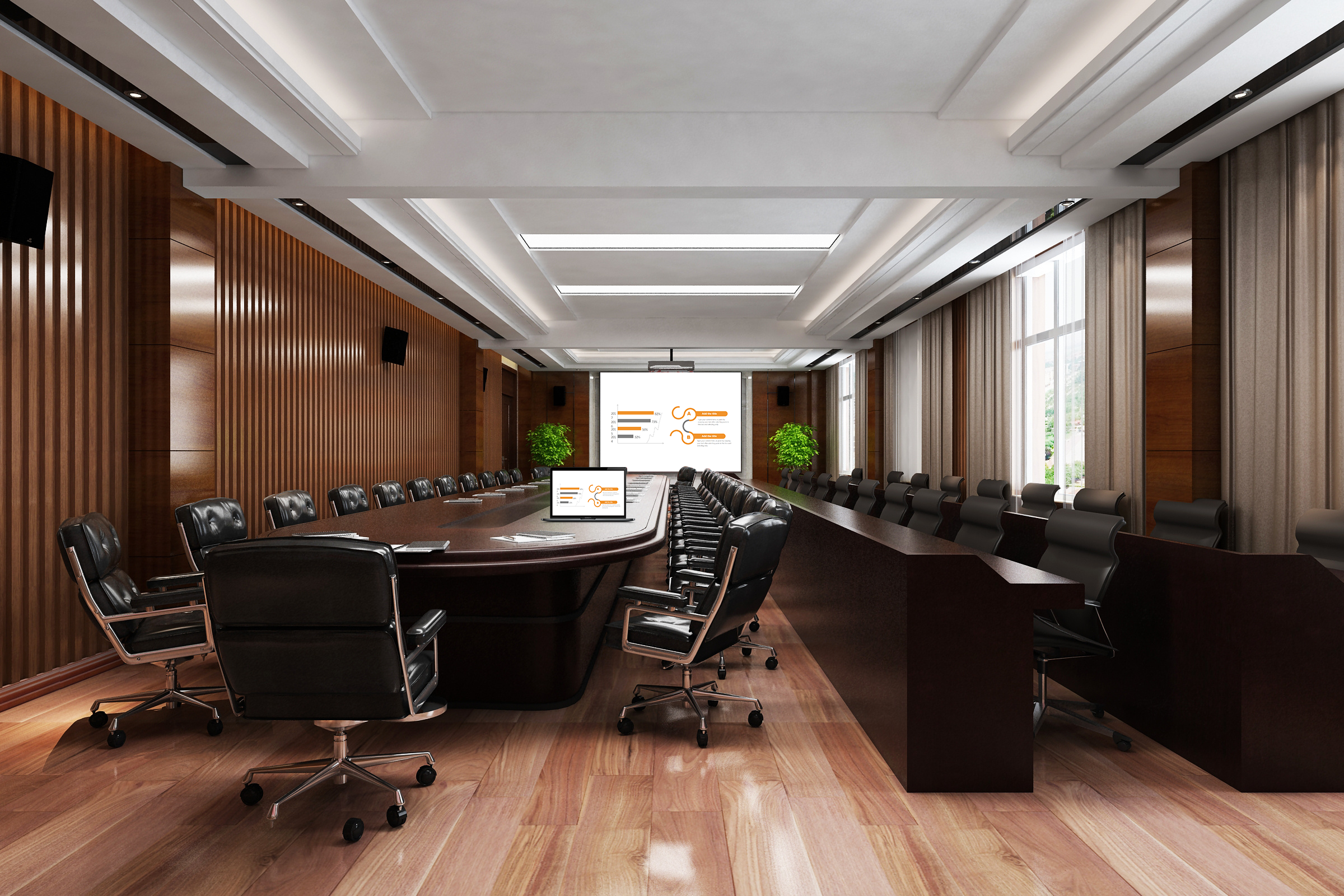
Wireless Screen Mirroring: Connecting Multiple Devices to a Screen Is Super Easy
Want to easily mirror your phone, computer, or tablet to a large screen? This BiJie screen mirroring device is a one-tap solution! There’s no need for cables or software, it’s compatible with all display devices—TVs, conference screens, and projectors—and it works for teaching, office meetings, and training. It makes screen mirroring a regular part of your daily routine instead of a technical task.
1-Minute to Master: Anyone Can Mirror
It’s even easier to use than connecting to Wi-Fi:
- Plug and Play: Plug the receiver into a large screen and a power source. Plug the transmitter into the core device (e.g., the teacher’s computer or an office computer). Auxiliary devices just need to connect to the same Wi-Fi. The large screen will immediately display the device name, and you won’t need to install any drivers.
- One-Tap to a Large Screen: On a Windows computer, click “Project” and select the device. On an Android device, pull down the quick settings menu and tap “Wireless Display.” Select the name, and you’ll be connected in 1 second, with the picture synchronizing instantly. A beginner can learn how to do it just by watching once.
Core Highlights: Mirroring Is Easy and Works with Any Device
All Devices, All Scenarios, Perfect Compatibility
- It’s compatible with Windows computers and Android phones and tablets, and the compatibility rate for old devices is over 98%. It can connect to TVs, conference screens, and projectors, so you don’t have to worry about “device mismatch.”
- It supports both screen mirroring (for synchronizing the whole screen) and targeted pushing (for just a lesson plan or a video). You can switch between them for lectures, presentations, and sharing to flexibly meet a variety of needs.
High-Definition and Stable Transmission: No Interruptions
- It supports 1080p Full HD, so the details in a lesson plan or a video are clear. The dual-band transmission has strong anti-interference capabilities, so when multiple devices are mirroring at the same time, latency is less than 20ms, and the disconnection rate is less than 0.1%. A public class or an important meeting won’t be interrupted.
- It uses the device’s native functions with no drivers or software to install, which prevents software conflicts and allows older educational devices to mirror smoothly.
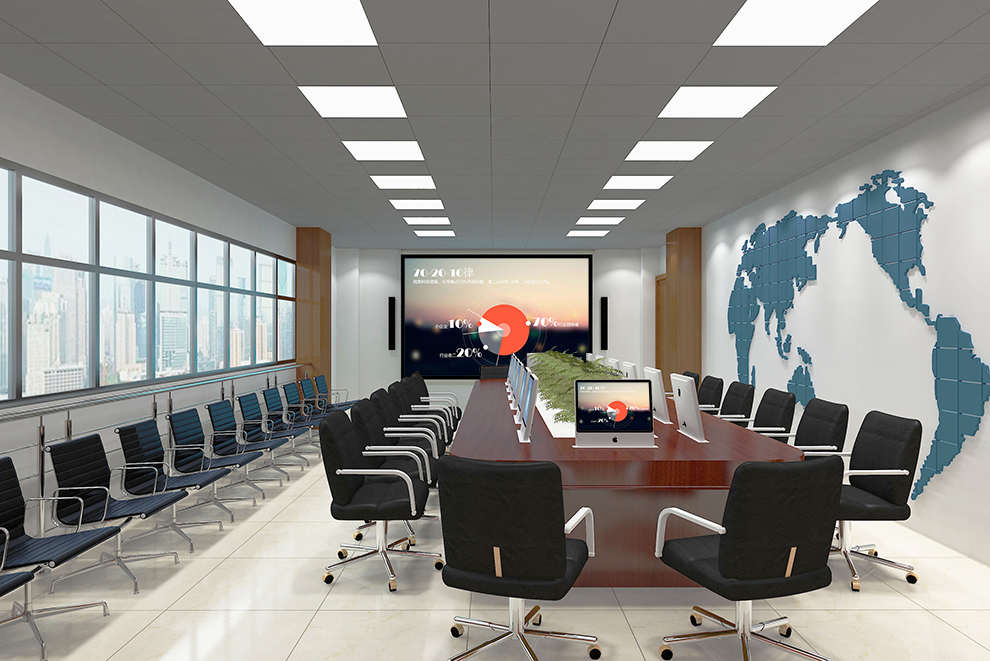
Works Anywhere: Empowering Multiple Scenarios
Teaching: More Efficient Interaction
- A teacher can use a computer to mirror a lesson plan to a large screen and then walk off the stage to use their phone to remotely flip pages. A student can mirror their homework from a tablet, and the whole class can give feedback, which boosts classroom engagement by 50%.
- In an English class, they can push a listening exercise to the speakers. The large screen can show the transcript at the same time. When they pause, they can circle keywords, and the combination of audio and visuals will make it easier to understand.
Office Meetings: Smoother Presentations
- An employee can use a computer to mirror a proposal to a conference screen and annotate it in real time. They can directly push supplemental materials from their phone, which saves time.
- When multiple people take turns mirroring, switching takes only 1 second, so there’s no need to repeatedly plug and unplug cables. You can set it to “mirror only a specific window,” so your desktop privacy is protected.
Training: Smoother Results Sharing
- A group can use a tablet to mirror a report to a secondary screen to get feedback from their peers. Excellent work can be pushed to the main screen with a single tap. A remote trainer can use a computer to mirror their feedback and push a case study for reference, which makes the collaboration more interactive.
Secure and Durable: Peace of Mind
- It supports a device whitelist and a mirroring password to prevent irrelevant content from interfering.
- The mirroring device is only the size of a palm and weighs less than 40g. It’s easy to carry for a business trip or an outdoor study session. The batch management platform allows for unified device configuration, which lowers maintenance costs for companies and schools.
By using this BiJie wireless screen mirroring device, you can easily connect multiple devices to a screen, making mirroring simple and smooth, and truly empowering daily teaching, office work, and training.