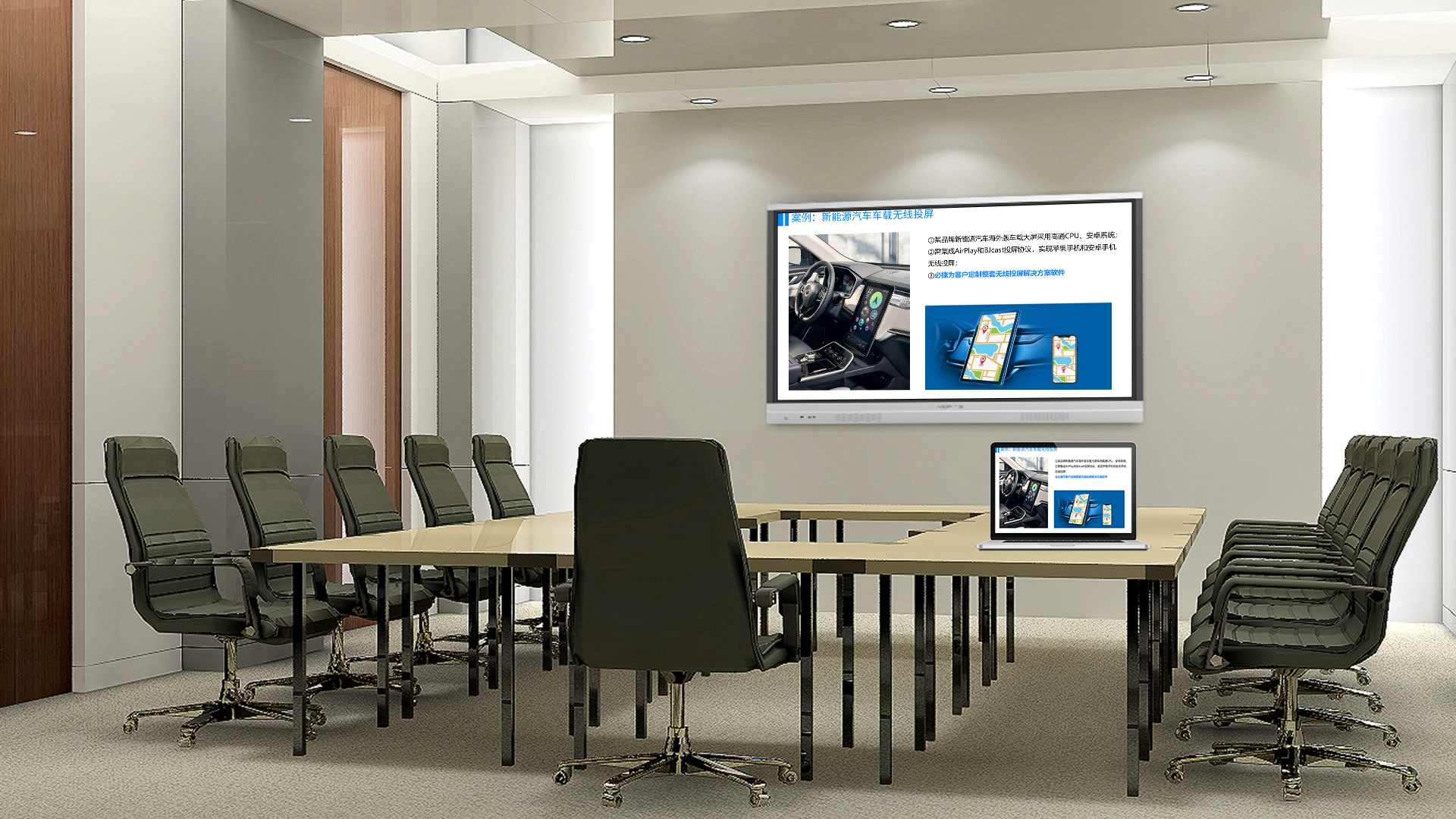
Classroom Wireless Screen Mirroring: Complete Guide
Introduction
Classroom wireless screen mirroring transforms how teachers and students interact with digital content in educational environments. This technology enables seamless content sharing from student devices, teacher presentations, and collaborative learning materials onto classroom displays without the constraints of cable connections. Understanding wireless screen mirroring for classrooms helps educators select appropriate solutions that enhance learning experiences.
Modern education increasingly relies on digital content and collaborative learning approaches. Students use tablets, laptops, and smartphones to complete assignments, research topics, and create content. Classroom wireless screen mirroring allows this digital work to be shared instantly with the entire class, enabling new teaching methodologies and increasing student engagement.
This comprehensive guide explores wireless screen mirroring solutions specifically designed for educational environments, covering deployment considerations, implementation strategies, and best practices for maximizing educational impact.
Understanding Classroom Technology Needs
Educational environments have unique requirements that differ from business or home settings.
Teacher Requirements
Teachers need:
- Quick setup and minimal technical complexity
- Ability to switch between multiple student devices
- Support for various operating systems
- Reliability during lessons
- Integration with educational software
Teachers often lack extensive technical training and need solutions that work reliably without constant support.
Student Requirements
Students benefit from:
- Easy content sharing from personal devices
- Collaborative project capabilities
- Support for diverse devices
- Screen mirroring from tablets and laptops
- Privacy and security protections
Student devices vary widely, requiring broad compatibility.
School Infrastructure Considerations
IT departments require:
- Centralized management capabilities
- Robust security features
- Scalable solutions for multiple classrooms
- Reliable performance
- Budget-friendly options
- Easy troubleshooting procedures
Balancing functionality with practical constraints is essential.
Benefits of Wireless Screen Mirroring in Education
Wireless screen mirroring provides numerous educational advantages.
Enhanced Student Engagement
Screen mirroring increases engagement:
- Immediate content sharing captures attention
- Visual learning supports diverse learners
- Interactive possibilities expand teaching methods
- Student work can be showcased instantly
- Collaboration becomes more dynamic
Engaged students learn more effectively.
Collaborative Learning Opportunities
Wireless mirroring enables:
- Multiple students sharing work in sequence
- Group project presentations
- Peer review and feedback
- Cross-classroom collaboration
- Parent and community sharing
Collaboration skills prepare students for modern workplaces.
Teacher Flexibility
Teachers gain flexibility:
- Move around classroom while presenting
- Switch between sources quickly
- Incorporate student devices seamlessly
- Use multiple displays effectively
- Record lessons for later review
Flexible teaching approaches reach more learners.
Distance and Hybrid Learning
Modern learning models benefit:
- Remote student participation
- Hybrid classroom configurations
- Recording and streaming capabilities
- Simultaneous in-person and online engagement
- Flexible participation options
These capabilities proved essential during recent educational disruptions.
Types of Classroom Wireless Solutions
Several solution categories work well in educational settings.
Enterprise Education Systems
Comprehensive systems designed for schools:
- Advanced management and monitoring
- Multi-classroom deployment capabilities
- Security features appropriate for students
- Integration with learning management systems
- Detailed usage analytics
These work well for larger districts and schools with dedicated IT support.
Miracast and AirPlay Solutions
Protocol-specific options include:
- Miracast receivers for Windows and Android
- AirPlay support for Apple devices
- Dual-protocol receivers for maximum compatibility
- Simple, cost-effective deployment
- Easy teacher operation
These work well for individual classrooms or smaller schools.
Hybrid and Multi-Protocol Systems
Combining multiple technologies provides:
- Support for all student devices
- Flexible connection options
- Built-in content management
- Digital signage capabilities
- Future-proof scalability
Hybrid solutions accommodate diverse needs.
Student Device Management Integration
Solutions that integrate with MDM include:
- Automatic device configuration
- Security policy enforcement
- Classroom-specific restrictions
- Usage monitoring
- Simplified troubleshooting
Integration streamlines IT management.
Key Features for Educational Environments
Certain features prove essential for classroom deployments.
Multi-Device Support
Essential compatibility includes:
- Windows laptops and desktops
- macOS computers
- iPads and iPhones
- Android tablets and phones
- Chromebooks
Supporting all platforms ensures every student can participate.
Quick Switching Capabilities
Rapid source switching enables:
- Fast transitions between students
- Teacher demonstrations
- Multiple presenter support
- Minimal lesson disruption
- Efficient workflow
Speed matters in fast-paced classroom environments.
Teacher Controls
Important controls include:
- Source selection and preview
- Student queue management
- Broadcast to multiple rooms
- Remote device management
- Content filtering options
Teacher controls maintain classroom focus.
Security and Safety
Student-appropriate security includes:
- Content filtering capabilities
- Appropriate access controls
- Privacy protections
- Safe search enforcement
- Compliance with educational regulations
Protecting students is paramount.
Management and Monitoring
IT requirements include:
- Centralized configuration
- Usage tracking and reporting
- Remote troubleshooting
- Firmware update management
- Integration with school systems
Efficient management reduces IT burden.
Implementing Wireless Mirroring in Classrooms
Successful deployment requires careful planning and execution.
Assessment and Planning
Before implementation:
1. Survey existing display technology
2. Evaluate network infrastructure
3. Assess device populations
4. Determine usage requirements
5. Calculate budgets and timelines
Thorough planning prevents problems.
Network Preparation
Network requirements include:
- Adequate WiFi coverage in all classrooms
- Sufficient bandwidth for multiple users
- Quality of Service configurations
- Network segmentation for security
- Redundancy and backup options
Strong network foundation enables reliable operation.
Equipment Selection
Choosing equipment involves:
- Matching capabilities to classroom needs
- Considering future scalability
- Evaluating vendor support
- Calculating total costs
- Planning for growth
Appropriate selection ensures satisfaction.
Professional Installation
Quality installation requires:
- Proper device placement
- Cable management
- Thorough testing
- Staff training
- Documentation
Professional installation prevents issues.
Teacher Training and Adoption
Successful implementation requires teacher buy-in and training.
Training Approaches
Effective training includes:
- Hands-on practice sessions
- Quick reference guides
- Video tutorials
- Ongoing support channels
- Peer learning opportunities
Comprehensive training builds confidence.
Common Challenges
Address common concerns:
- Fear of technology failures
- Lost instructional time
- Device management complexity
- Student distraction possibilities
- Technical support availability
Addressing concerns builds acceptance.
Best Practices
Proven adoption practices include:
- Start with willing early adopters
- Build in troubleshooting time
- Celebrate successes publicly
- Gather feedback regularly
- Iterate and improve continuously
Positive experiences spread adoption.
Managing Multiple Classrooms
Schools often deploy across many spaces.
Centralized Management
Efficient management includes:
- Single dashboard for all rooms
- Configuration templates
- Bulk update capabilities
- Usage analytics across campus
- Alert and notification systems
Centralization reduces effort.
Scheduling and Coordination
Coordination involves:
- Room booking integration
- Shared device management
- Resource allocation
- Conflict resolution
- Communication systems
Effective coordination maximizes utilization.
Support and Troubleshooting
Efficient support requires:
- Clear escalation procedures
- Remote diagnostic tools
- Knowledge base access
- Responsive helpdesk
- On-site support options
Reliable support maintains operations.
Integration with Educational Technology
Wireless mirroring often integrates with other systems.
Learning Management Systems
Integration possibilities:
- Single sign-on capabilities
- Content library access
- Assignment integration
- Grade book connections
- Progress tracking
Integration streamlines workflows.
Interactive Displays
Complementary technologies include:
- Interactive whiteboards
- Touch-enabled displays
- Document cameras
- Response systems
- Audio enhancement
Combined technologies enhance learning.
Recording and Streaming
Content capture capabilities:
- Lesson recording for review
- Remote student participation
- Parent engagement opportunities
- Professional development
- Compliance documentation
Recording extends learning beyond the classroom.
Use Cases in Education
Wireless mirroring enables numerous educational applications.
Student Presentations
Students benefit from:
- Showcasing completed work
- Demonstrating understanding
- Presenting research projects
- Leading classroom discussions
- Receiving peer feedback
Presentation skills develop important life abilities.
Collaborative Projects
Group work improves with:
- Shared content viewing
- Real-time collaboration
- Combined presentations
- Peer teaching opportunities
- Cross-group learning
Collaboration mirrors modern workplace practices.
Teacher Demonstration
Teachers use mirroring for:
- Direct instruction delivery
- Software demonstrations
- Model problem solving
- Content previewing
- Assessment review
Effective demonstrations enhance instruction.
Assessment and Feedback
Formative assessment benefits from:
- Immediate student response display
- Quick comprehension checks
- Exit ticket sharing
- Project showcase
- Portfolio presentation
Instant feedback accelerates learning.
Special Education
Accessibility improves with:
- Accommodation for various needs
- Multiple modality presentation
- Individual learning support
- Therapy session integration
- Communication assistance
Technology enables inclusive education.
Cost Considerations
Budgeting requires understanding various costs.
Initial Investment
Startup costs include:
- Mirroring equipment per classroom
- Network upgrades if needed
- Installation and configuration
- Training and preparation
- Contingency reserves
Appropriate budgeting prevents compromises.
Ongoing Costs
Recurring expenses include:
- Maintenance and support contracts
- Software licensing
- Network operating costs
- Technical support staffing
- Equipment replacement
Factor ongoing costs into decisions.
Funding Sources
Potential funding includes:
- Technology budgets
- Grant programs
- E-rate discounts
- Private donations
- Fundraising initiatives
Creative funding can expand possibilities.
Case Studies: Educational Implementations
Real-world examples demonstrate success.
Elementary School Implementation
An elementary school deployed wireless mirroring:
- 24 classrooms with interactive displays
- Library and multipurpose spaces
- Computer lab enhancements
- Teacher training program
Outcomes included:
- Increased student participation
- Improved test scores
- Positive teacher feedback
- Reduced behavior issues
High School Deployment
A high school implemented comprehensive solution:
- 60 classrooms and labs
- Auditorium and gymnasium
- Career and technical education
- Special education programs
Results showed:
- Enhanced career readiness
- Improved collaboration
- Better resource utilization
- Higher graduation rates
District-Wide Implementation
A large district deployed across 45 schools:
- Comprehensive needs assessment
- Phased rollout approach
- Extensive training program
- Centralized management
Achievements included:
- Standardized technology
- Improved equity
- Cost efficiencies
- Scalable framework
Security and Privacy Considerations
Protecting students requires appropriate security measures.
Network Security
Essential protections include:
- Network segmentation
- Access controls
- Encryption standards
- Monitoring systems
- Incident response plans
Strong security protects everyone.
Student Privacy
Privacy requirements include:
- COPPA compliance for young students
- FERPA considerations
- Data minimization practices
- Consent procedures
- Secure data handling
Protecting privacy builds trust.
Acceptable Use Policies
Clear policies address:
- Appropriate content
- Device usage guidelines
- Consequences for violations
- Reporting procedures
- Educational purpose emphasis
Clear policies guide behavior.
Best Practices for Education
Proven approaches lead to successful implementations.
Planning Phase
- Involve all stakeholders
- Assess current capabilities
- Plan for future needs
- Build flexibility
- Document everything
Implementation Phase
- Use experienced installers
- Test thoroughly
- Train comprehensively
- Plan for challenges
- Celebrate successes
Ongoing Operations
- Monitor usage
- Gather feedback
- Update regularly
- Maintain actively
- Plan for growth
Following best practices ensures success.
Frequently Asked Questions
What is classroom wireless screen mirroring?
Classroom wireless screen mirroring is technology that enables teachers and students to display content from personal devices onto classroom displays without cables.
Why do schools need wireless mirroring?
Schools need wireless mirroring to enable modern teaching methods, support student devices, enhance collaboration, and prepare students for technology-rich workplaces.
How much does classroom wireless mirroring cost?
Costs range from $200-1,000 per classroom for basic solutions to $3,000-10,000+ for enterprise systems, plus ongoing costs for support and maintenance.
What devices work with classroom wireless mirroring?
Most solutions support Windows, Mac, iOS, Android, and Chromebooks, enabling all students and teachers to participate regardless of device type.
Is classroom wireless mirroring secure?
Enterprise educational systems include appropriate security features including network isolation, content filtering, and student privacy protections.
How do teachers manage multiple student devices?
Advanced systems include teacher controls for source selection, preview, queue management, and quick switching between students.
Conclusion
Classroom wireless screen mirroring provides essential capabilities for modern educational environments. These systems enable teachers to leverage digital content effectively, students to share work seamlessly, and collaborative learning to flourish.
Successful implementation requires careful planning, appropriate equipment selection, thorough training, and ongoing support. Schools that implement wireless mirroring effectively see improved student engagement, enhanced learning outcomes, and preparation for technology-driven futures.
For schools seeking comprehensive wireless presentation solutions, enterprise systems designed for educational environments provide the features, security, and support that educational institutions require. These solutions deliver the reliability and capabilities that modern classrooms need.
Explore classroom wireless screen mirroring options to transform your educational environment and prepare students for success.
Discover Classroom Wireless Screen Mirroring: Complete Guide at BJCast.
