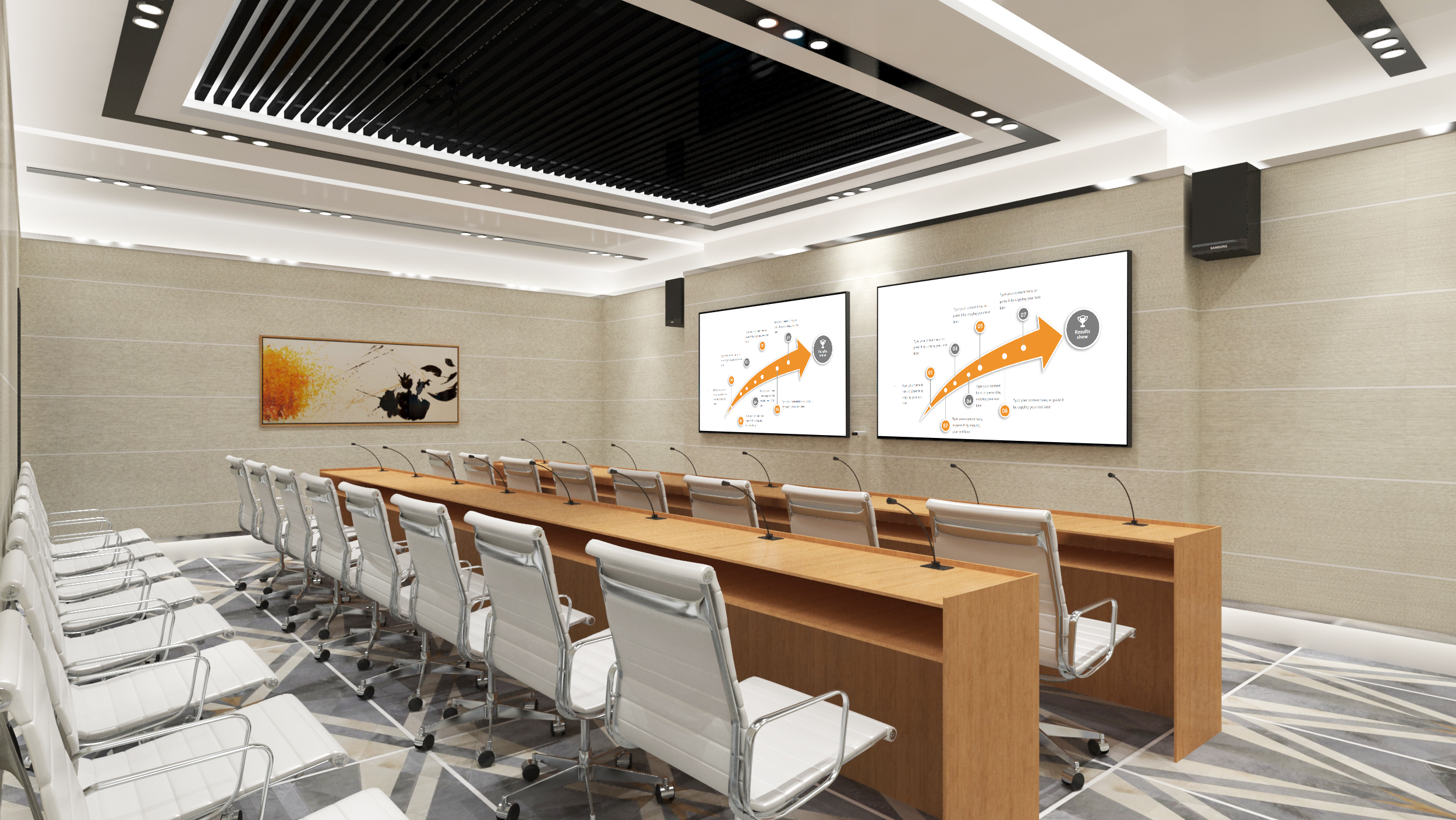
Wireless Presentation System: Complete Guide for Modern Businesses
Introduction
A wireless presentation system has become an essential infrastructure for modern meeting rooms, enabling seamless content sharing without the constraints of cables and physical connections. This comprehensive guide explores how wireless presentation systems transform business collaboration, their key features, and how to select the right solution for your organization.
What is a Wireless Presentation System?
A wireless presentation system is a technology solution that enables participants to share content from their personal devices to meeting room displays without physical cable connections. These systems support laptops, tablets, and smartphones, allowing presenters to project screens, videos, and documents onto larger displays through wireless network connections.
The fundamental appeal lies in eliminating the friction traditionally associated with meeting setup. Instead of hunting for adapters or troubleshooting connection issues, participants can begin presenting within seconds of entering a meeting room.
Key Benefits of Wireless Presentation Systems
Enhanced Meeting Efficiency
Organizations deploying wireless presentation systems report significant improvements in meeting efficiency. The average meeting setup time decreases from 5-7 minutes to under 30 seconds. This efficiency gain compounds across multiple daily meetings, freeing up substantial employee time annually.
Device Flexibility
Modern wireless presentation systems support multiple device platforms simultaneously. Whether team members use Windows laptops, Mac computers, iOS devices, or Android smartphones, everyone can contribute without compatibility concerns. This flexibility supports diverse workplace environments and hybrid teams.
Professional Meeting Experience
Cable-free meeting rooms project a modern, professional image. Clients and partners immediately perceive your organization as technologically forward-thinking, which strengthens business relationships and brand perception.
Essential Features for Enterprise Deployment
Multi-User Collaboration
Enterprise environments require systems that support multiple simultaneous presenters. Look for solutions that enable 4-8 users to share content simultaneously, with easy switching between presenters.
Network Security
Business-critical presentations require robust security features:
– WPA2/WPA3 enterprise encryption
– Network segmentation capabilities
– Session authentication controls
– Compliance with organizational security policies
Centralized Management
Large organizations need centralized deployment and management:
-批量configuration deployment across locations
– Remote monitoring and troubleshooting
– Usage analytics and reporting
– Firmware update management
How to Choose the Right System
Evaluation Criteria
| Factor | Consideration |
|–||
| Compatibility | Must support all devices in your organization |
| User Experience | How many steps to connect? |
| Security Features | Does it meet enterprise security requirements? |
| Scalability | Can it grow with your organization? |
| Total Cost | Hardware, licensing, and support costs |
Deployment Considerations
**Small Businesses**: Focus on ease of use and quick setup. Cloud-managed solutions work well for organizations without dedicated IT staff.
**Medium Enterprises**: Balance features with manageability. Look for hybrid management options and robust security.
**Large Organizations**: Prioritize scalability, integration capabilities, and comprehensive support. On-premises options may be necessary for sensitive environments.
Common Use Cases
Corporate Meeting Rooms
From executive boardrooms to huddle spaces, wireless presentation systems enable dynamic collaboration. Teams can share presentations, analyze data visualizations, and conduct video conferences without technical barriers.
Educational Institutions
Classrooms and lecture halls benefit from flexible presentation options. Instructors can switch between content sources quickly, and students can share their work for group discussion.
Healthcare Facilities
Medical professionals use wireless presentation for training sessions, case reviews, and telemedicine consultations. These systems must comply with healthcare-specific security and privacy regulations.
Troubleshooting Common Issues
Connectivity Problems
**Network Issues**: Verify WiFi connectivity and signal strength. Restart network equipment if needed.
**Protocol Compatibility**: Ensure devices support required protocols (AirPlay, Miracast, Chromecast).
**Display Configuration**: Confirm displays are powered on and set to correct input sources.
Performance Optimization
**Bandwidth Requirements**: Ensure adequate network bandwidth—minimum 20 Mbps per meeting room for standard presentations.
**Quality of Service**: Configure QoS settings to prioritize presentation traffic over other network usage.
Future Trends
Emerging Technologies
**AI-Powered Optimization**: Future systems will automatically optimize connection quality based on environmental factors.
**Enhanced Integration**: Deeper integration with collaboration platforms like Microsoft Teams and Zoom will streamline workflows.
**Higher Resolution Support**: 4K and eventually 8K wireless transmission will become standard.
Conclusion
Wireless presentation systems represent a fundamental upgrade to business collaboration infrastructure. By eliminating cable clutter and simplifying content sharing, these systems help organizations achieve more productive meetings and better outcomes.
Selecting the right solution requires careful evaluation of your organization’s specific needs, technical environment, and growth trajectory. BJCast wireless presentation systems offer enterprise-grade features with straightforward deployment options suitable for organizations of all sizes.
**Explore solutions**: BJCast wireless presentation systems
**Get started**: Contact for free consultation
Learn more: Wireless Presentation System | Complete Guide at BJCast.
