A Comprehensive Guide to Google Cast: Building a Seamless Cross-Device Audio-Visual Casting Ecosystem
Google Cast is a revolutionary wireless screen casting technology launched by Google, enabling users to effortlessly “cast” audio and video content from smartphones, tablets or computers to large-screen devices like TVs and speakers for playback. Designed to deliver a seamless cross-device media experience from the outset, it has now evolved into one of the core protocols for smart home entertainment.
Technical Principles & Working Mode
Unlike traditional screen mirroring, Google Cast adopts a “command pushing” mode. When you tap the “Cast” button in a mobile app (e.g., YouTube, Netflix), your phone does not transmit the video stream directly; instead, it sends a command containing the media stream URL to the Chromecast device (receiver). The Chromecast then fetches and decodes the media stream from the internet independently and plays it directly on the TV. The merits of this mode lie in freeing up the sender device — you can turn off your phone screen or use it for other tasks while the video is playing, with lower power consumption at the same time.
Core Devices & Application Ecosystem
Receiver Devices
- Chromecast: Google’s entry-level streaming device, which can be used simply by plugging it into the TV’s HDMI port.
- Chromecast with Google TV: Built-in with Android TV system, it features both casting function and an independent streaming interface.
- Smart TVs & Speakers with Built-in Cast: High-end products of numerous brands (e.g., Sony, LG, JBL, Sonos) have natively integrated this function.
Sender Devices & Apps
Any Android/iOS smartphone, tablet with Cast-supported apps installed, or desktop Chrome browser can serve as the sender. Almost all mainstream streaming services support Google Cast.
Distinctive Features: Multi-room Audio & Voice Control
Multi-room Audio
This is a standout feature of Google Cast. You can place multiple Cast-supported speakers in different rooms at home and group them via the Google Home App. When playing music, you can either stream the same song synchronously across all rooms or play different music in separate rooms, delivering an immersive whole-home music experience.
Deep Integration with Google Assistant
You can control casting directly via “Hey Google” voice commands, such as “Play Stranger Things on Netflix on the living room TV”, which greatly enhances operational convenience.
Setup & Usage Guide
- Initial Setup: Connect the Chromecast device to the TV and power supply, install the “Google Home” App on your phone, follow the wizard to connect to Wi-Fi and complete the setup.
- Daily Casting: Ensure your phone and Cast device are on the same Wi-Fi network, open a Cast-supported App, tap the “Cast” icon on the playback interface, and select the target device to start casting.
- Guest Mode: Without the Wi-Fi password, guests can cast temporarily via the PIN displayed on the device, boosting usage flexibility.
Advantages & Applicable Scenarios
Advantages
Intuitive operation, low power consumption for senders, background playback support, rich ecosystem applications, and exceptional multi-room audio experience.
Applicable Scenarios
- Home Entertainment: Watch videos and photos from your phone on the TV, or enjoy whole-home music.
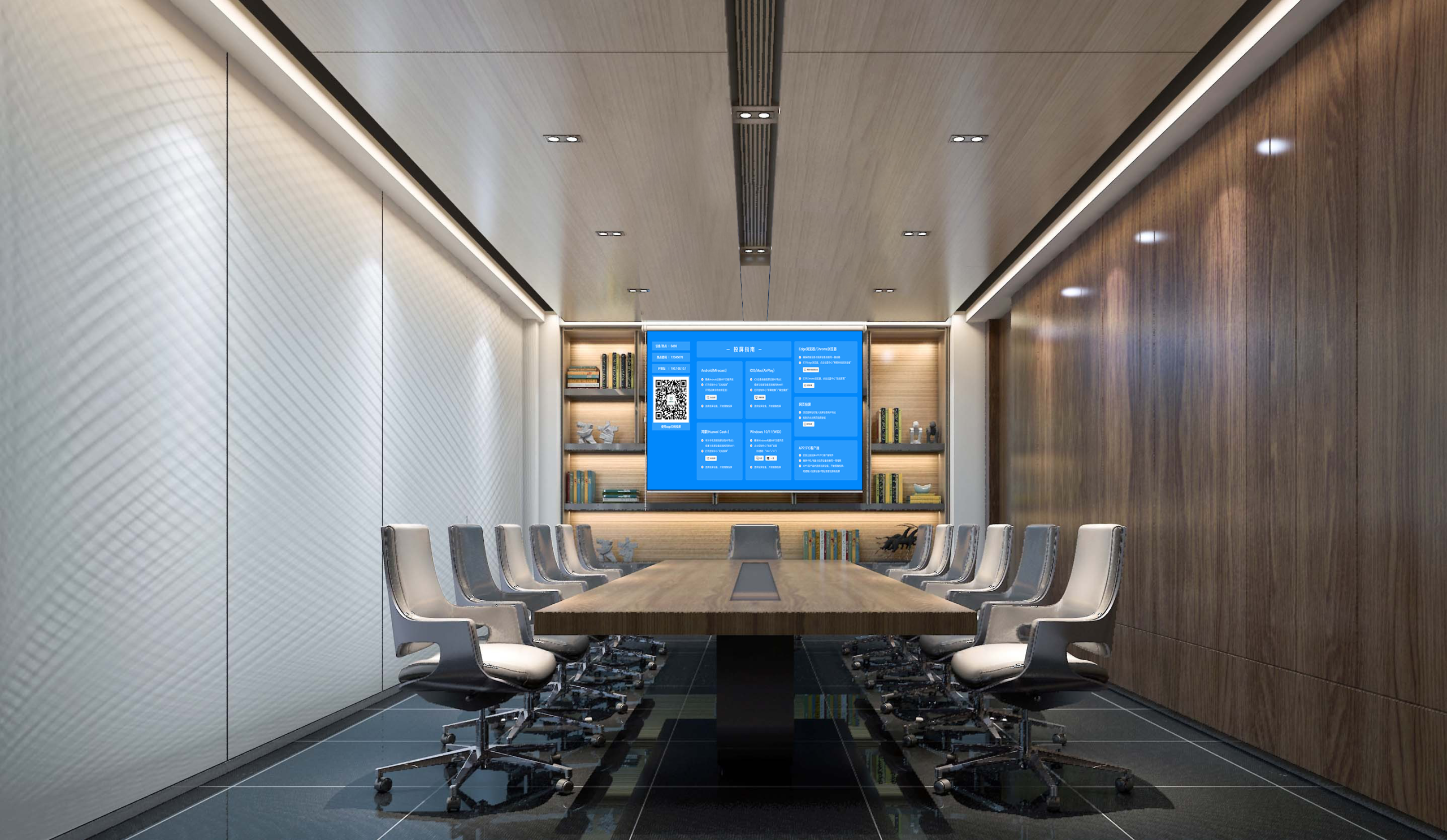
- Lightweight Business Presentations: Cast web pages or presentations to the TV via Chrome browser in small meetings.
- Hotels & Public Venues: Provide guests with a convenient media playback solution.
Summary
With its unique “pushing” architecture and robust ecosystem integration, Google Cast offers users an elegant and efficient wireless casting solution. It is particularly an attractive choice for users invested in the Google ecosystem and households pursuing high-quality multi-room music experiences.