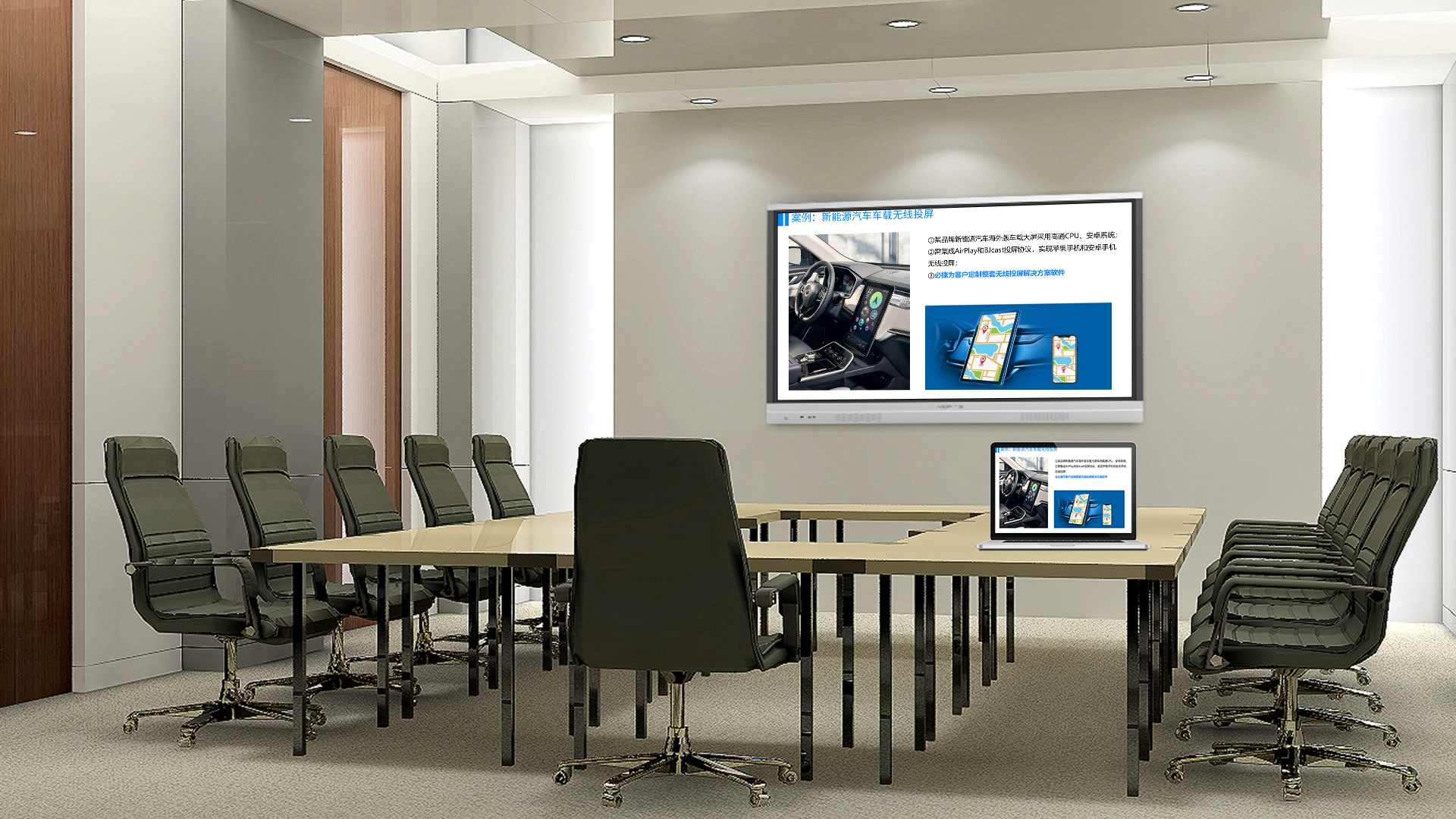
High-Efficiency Meeting Screen Casting Solution: How Bijie Cast Reshapes Corporate Meeting Experience
In the modern corporate office environment, meeting screen casting has become a core technology to boost collaboration efficiency. However, traditional meeting screen casting methods are plagued by cumbersome connections, poor compatibility, insufficient stability and other pain points. As a professional wireless screen casting solution, Bijie Cast brings an all-new meeting screen casting experience to enterprises and completely transforms the way meetings are conducted.
I. Pain Point Analysis of Traditional Meeting Screen Casting
Traditional meeting screen casting usually encounters the following problems:
- Complex connection: Requires finding suitable adapters and installing drivers, consuming much preparation time
- Poor compatibility: Incompatible interfaces between different devices, making it hard for Apple and Windows devices to interconnect
- Insufficient stability: Disconnections and freezes often occur during connection
- Security risks: Unauthorized devices can access the system at will, leading to potential information leakage
II. Core Advantages of Bijie Cast Solution
Tailored for corporate meeting scenarios, Bijie Cast provides a one-stop solution with the following strengths:
- Ultra-simple connection experience
- Supports one-click casting, QR code casting and casting code casting
- Driver-free, ready to use upon connection
- Full compatibility with Windows, macOS, Android and iOS systems
- Superior stability
- Adopts self-developed BJCast transmission protocol with strong anti-interference capability
- Supports 1080P HD video transmission with smooth and stutter-free display
- Automatic reconnection after disconnection to ensure meeting continuity
- Enterprise-level security control
- Supports device whitelist management to block unauthorized access
- Casting permission control, allowing hosts to manage access rights
- Automatic disconnection after meetings to prevent information leakage
III. Application Scenarios of Bijie Cast in Corporate Meetings
- Daily work meetings
- Quickly share PPTs, documents and data reports
- Multi-person online collaboration with real-time editing and discussion
- Synchronous content sharing for remote participants
- Client demonstration meetings
- Professional and smooth product demonstrations
- Convenient on-site access for clients to display materials
- Multi-screen comparison to enhance persuasion
- Training sessions
- Instructors deliver wireless lectures while moving freely
- Real-time content synchronization on trainees’ screens for better learning outcomes
- Training content recording and playback for review
IV. Featured Functions of Bijie Cast
- Multi-screen interaction
- Supports 4-screen split display simultaneously
- Host can switch presenters with one click
- Multi-person collaborative annotation for real-time interaction
- Meeting management
- Integration with corporate meeting room booking systems
- Automatic meeting minutes generation
- Traceable and auditable casting records
- Remote collaboration support
- Seamless integration with mainstream video conferencing systems
- Synchronous collaboration for geographically dispersed teams
- Remote control function for convenient technical support
V. Implementation and Deployment Plan
- Hardware deployment
- Bijie Cast Dongle: Compact, portable and plug-and-play
- Bijie Conference Host: High-performance for large-scale deployment
- Bijie Software Solution: Flexible software-only deployment
- Network configuration
- Supports both wired and wireless dual-mode connection
- Automatic adaptation to corporate network environments
- VLAN segmentation support to ensure network security
- Management configuration
- Centralized management backend for unified configuration
- Hierarchical user permission management
- Usage data statistics and analysis
VI. Success Case Sharing
After deploying Bijie Cast, a large manufacturing enterprise achieved:
- 80% reduction in meeting preparation time
- 40% improvement in meeting efficiency
- 60% decrease in IT support workload
- Significant boost in employee satisfaction
VII. Maintenance and Support
Bijie Cast offers comprehensive after-sales services:
- 7×24/7 technical support
- Remote diagnosis and maintenance
- Regular firmware updates
- Professional training services
VIII. Return on Investment (ROI) Analysis
Deploying Bijie Cast delivers remarkable ROI:
- Time cost savings: Less time spent on meeting preparation and debugging
- Efficiency improvement: Faster decision-making and higher productivity
- Travel cost reduction: Fewer on-site meetings required
- Enhanced information security: Lower risk of information leakage
Conclusion
Bijie Cast is more than just a screen casting tool; it is an integral part of enterprise digital transformation. By deploying Bijie Cast solution, enterprises can:
- Build an efficient and intelligent meeting environment
- Improve team collaboration efficiency
- Safeguard corporate information security
- Reduce operational costs
In the digital economy era, choosing Bijie Cast means embracing an efficient, intelligent and secure new meeting experience.