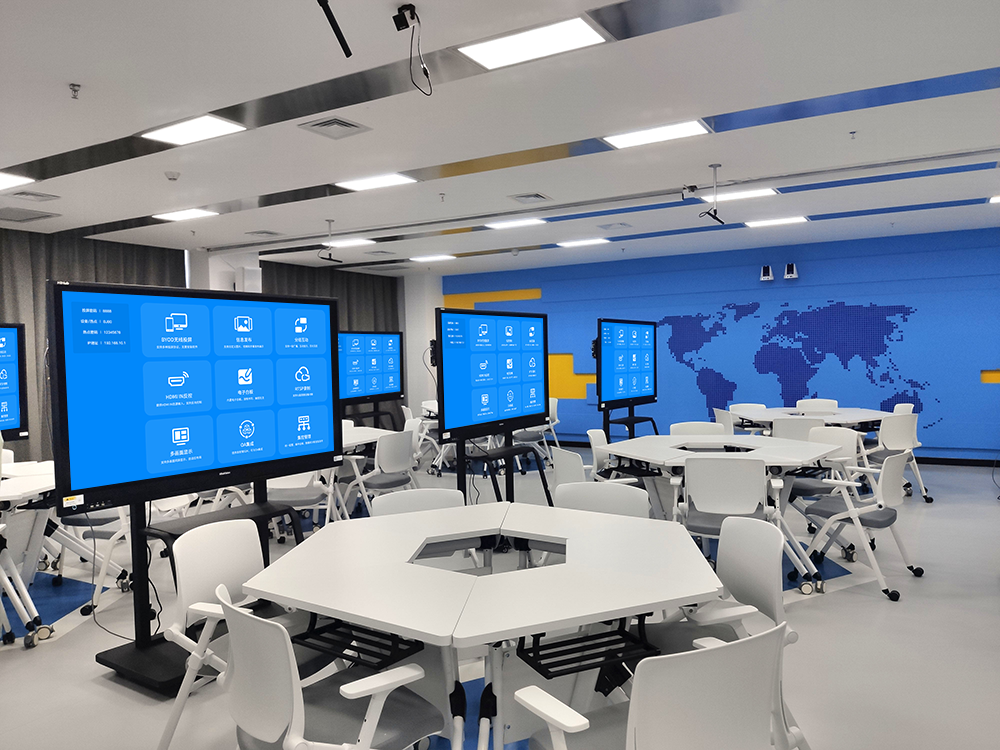
With the popularization of smart devices, a single screen can no longer meet user needs, and
multi-screen interaction has become a key technology for enhancing digital experiences. This article explores the concept, technical implementation, and application scenarios of multi-screen interaction.
Multi-screen interaction refers to a technical solution that establishes connections and collaboration between screens of different devices to achieve content sharing, operation synchronization, and functional complementarity. It includes not only simple screen mirroring, but also in-depth cross-device collaborative work.
- Wireless Transmission Technologies: Wi-Fi, Bluetooth, NFC, etc.
- Communication Protocols: DLNA, AirPlay, Miracast, Google Cast, etc.
- Device Discovery Technologies: mDNS, UPnP, etc.
- Data Synchronization Technologies: Realizing synchronization of clipboards, notifications, and application statuses.
- Leverages features such as AirPlay, Handoff, and Universal Control
- Enables seamless collaboration between iPhones, iPads, and Macs
- Supports advanced functions like cross-device copy-paste and app continuity
- Deep integration between mobile phones and computers
- Supports file drag-and-drop and multi-window operations
- Features one-touch transfer and multi-device control
- A unified device control panel
- Supports audio handoff and app streaming
- Offers innovative functions such as cross-device camera collaboration
- Implements collaboration between mobile phones, tablets, and computers via features like Samsung Flow and Quick Share
- Supports cross-device file transfer and notification synchronization
- Collaborative document processing between mobile phones and computers
- Fast file transfer across multiple devices
- Multi-screen presentation collaboration in meetings
- Mobile phone-controlled TV playback
- Multi-room audio synchronization
- Cross-screen gaming experiences
- Interactive teaching between teachers’ and students’ devices
- Multi-screen collaborative learning
- Synchronized content sharing
- Device Compatibility: Interoperability issues between different brands and systems
- Connection Stability: Ensuring stable connections in wireless environments
- Data Security: Privacy protection during cross-device data transmission
- User Experience: Consistency of operations across different devices
- Smarter Collaboration: AI-powered automatic device coordination
- Wider Industry Standards: Promotion of unified industry protocols
- Diversified Device Forms: Interaction with new form-factor devices such as foldable and rollable screens
- Deeper Integration: OS-level integration of multiple devices
- Consider Device Ecosystem: Select a solution compatible with your existing devices
- Evaluate Usage Requirements: Choose functions based on your primary usage scenarios
- Focus on Ease of Use: Opt for solutions with simple operations and low learning costs
- Assess Scalability: Pick solutions that support future device expansion
Multi-screen interaction is redefining how we use digital devices. With continuous technological advancement and gradual unification of standards, future multi-screen interaction will become smarter, more seamless, and more efficient. Users should select suitable multi-screen interaction solutions based on their own needs and device configurations to enjoy the convenience brought by technological progress.