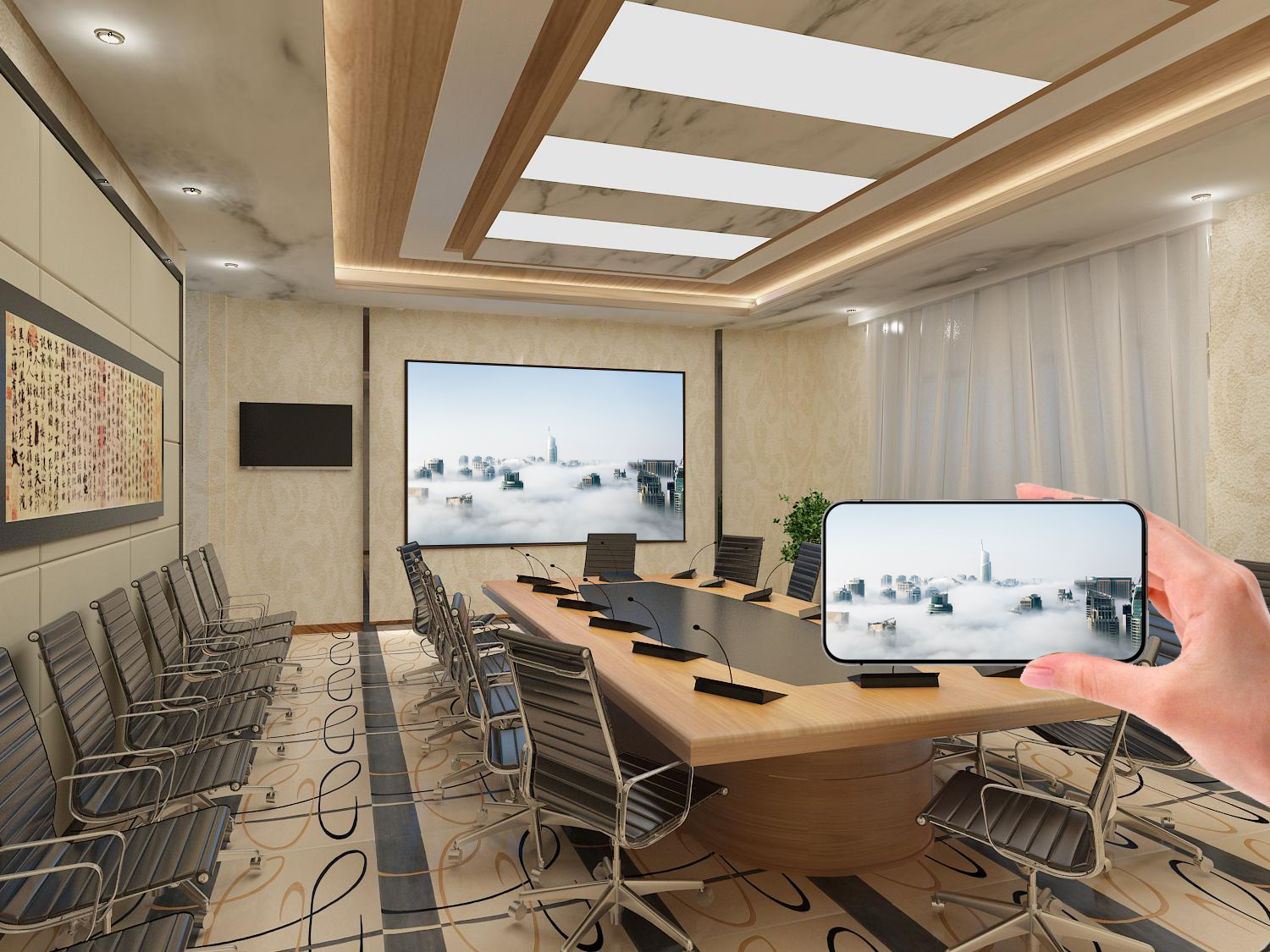
With the ever-growing capabilities of smartphones,
mobile screen mirroring has become an indispensable feature in daily life and work. Whether sharing photos and videos or delivering business presentations, mastering the right mobile screen mirroring methods can bring great convenience.
Mobile screen mirroring mainly relies on wireless transmission technology to real-time stream smartphone screen content to display devices such as TVs and projectors. Based on different technical standards, it can be divided into multiple methods including DLNA streaming, Miracast mirroring, and AirPlay transmission.
- DLNA Protocol: For media file streaming and playback
- Miracast Protocol: For real-time screen mirroring
- AirPlay Protocol: Exclusive to Apple devices
- Proprietary Vendor Protocols: Optimized solutions by various brands
- Type-C to HDMI
- Lightning to HDMI
- MHL connection
- Built-in system mirroring features
- Third-party mirroring apps
- Brand-exclusive mirroring solutions
- AirPlay screen mirroring
- In-app mirroring functions
- Wired connection solutions
- Open the Settings menu
- Navigate to Connection & Sharing
- Enable the Wireless Display feature
- Search for and connect to the target device
- Swipe up to open Control Center
- Tap Screen Mirroring
- Select the target device
- Enter the verification code to establish connection
- Streaming video content from video platforms
- Large-screen display of mobile games
- Family sharing of photos and videos
- Mobile office presentations
- Online meeting content sharing
- Classroom teaching demonstrations
- Use the 5GHz Wi-Fi band
- Ensure sufficient signal strength
- Reduce sources of network interference
- Close unnecessary background apps
- Clear smartphone storage space
- Update to the latest system version
- Check network connection status
- Confirm device compatibility
- Restart relevant devices
- Adjust video resolution
- Optimize the network environment
- Check device performance
- Be mindful of privacy when mirroring content
- Disconnect the connection promptly after use
- Manage connection history
- Use secure network environments
- Pay attention to device security authentication
- Regularly check security settings
- Key considerations for buying smart TVs
- Guide to choosing wireless display adapters
- Recommendations for matching audio equipment
- Mirroring feature support
- Hardware performance requirements
- System optimization level
- Lower-latency transmission
- Support for higher video quality
- Smarter connection management
- Augmented reality (AR) applications
- Cloud gaming mirroring
- Multi-device collaborative mirroring
- Quick mirroring shortcuts
- Multi-task mirroring management
- Preloading mirrored content
- Adjusting image quality parameters
- Audio synchronization settings
- Network priority management
- Meeting room mirroring solutions
- Retail display applications
- Digital signage systems
- Smart classroom construction
- Remote teaching applications
- Interactive teaching solutions
The development of mobile screen mirroring technology has brought more possibilities to digital life. Users can choose suitable mirroring solutions based on their device conditions and usage needs. With continuous technological advancement, future mobile screen mirroring experiences will become even smoother and smarter.