The Complete Guide to Screen Casting: Full Analysis of Concepts, Technologies and Scenarios
The term “screen casting” has become widely known, but do you really understand its full meaning? From home living rooms to corporate meeting rooms, screen casting technology is transforming how we share and display content in various forms. This article provides a comprehensive interpretation of screen casting.
Core Definition of Screen Casting
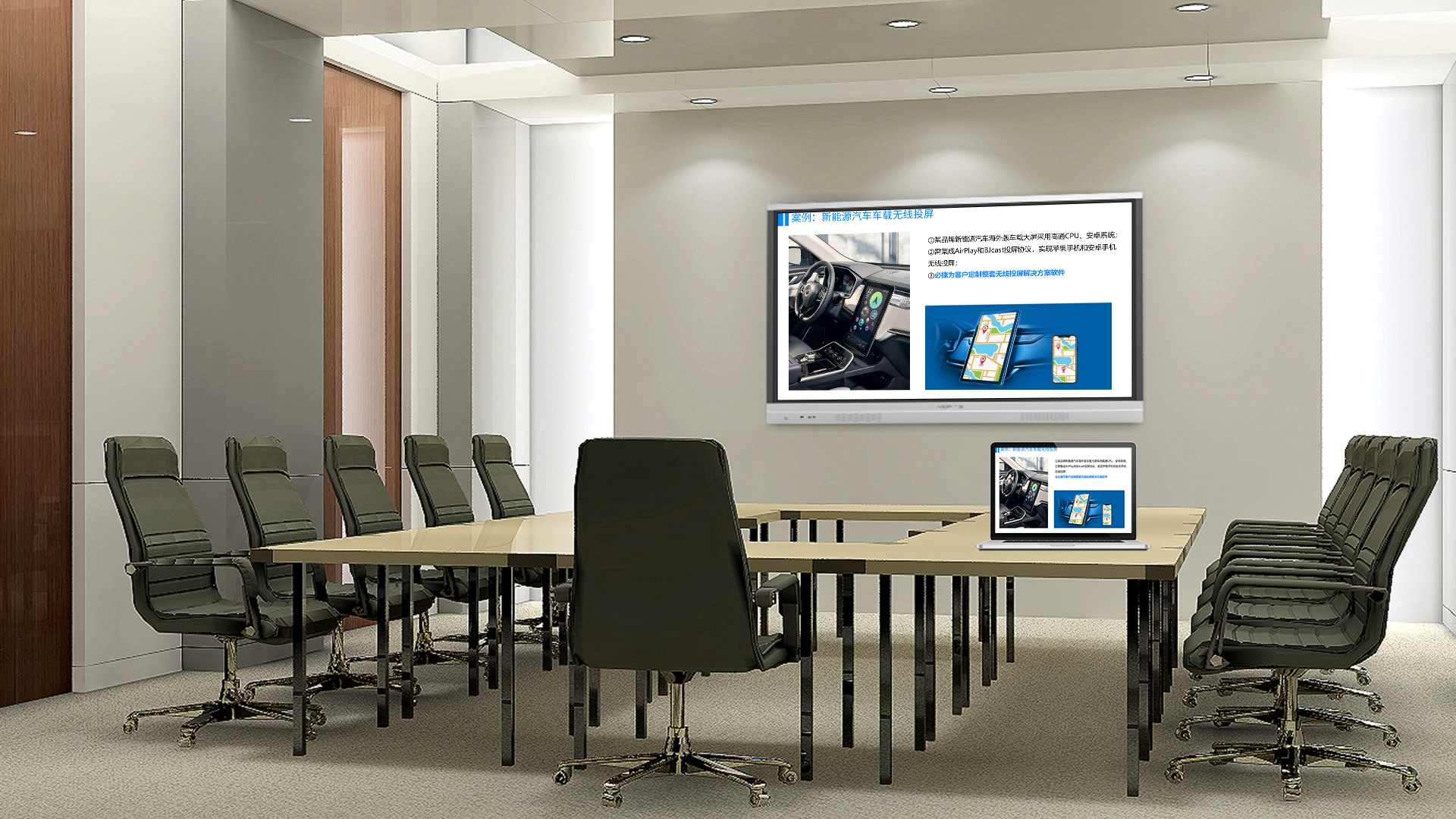
Simply put, screen casting refers to the process of transmitting and displaying the screen content or designated multimedia files from one device (called the sender, e.g., smartphone, computer) to another larger-screen device (called the receiver, e.g., TV, projector).
Two Core Technical Modes: Mirroring vs. Streaming
This is the key distinction to understand screen casting:Screen mirroring: It real-time and synchronously duplicates the entire screen of the sender to the receiver. All operations on your phone are fully visible on the big screen, ideal for gaming, app demos and web browsing. Representative technologies: Miracast, AirPlay mirroring mode.Media streaming: It only pushes the playback address of specific audio-video files or online streams to the receiver, which fetches and plays the content independently via the network. After streaming, the phone can be turned off or used for other tasks, suitable for platforms like iQIYI and Tencent Video. Representative technologies: DLNA, AirPlay streaming mode.
Mainstream Screen Casting Protocols
AirPlay: A proprietary protocol for Apple ecosystem, featuring smooth experience and rich functions (supporting mirroring, streaming and multi-room audio).Miracast: An open standard developed by Wi-Fi Alliance, natively supported on Android and Windows devices, mainly for screen mirroring.DLNA: An earlier media sharing standard focusing on local or online media streaming, not supporting real-time mirroring.Google Cast: Google’s protocol commonly used on Chromecast and Android TV, mainly supporting streaming mode.
Wired Screen Casting: Still Irreplaceable
While wireless is mainstream, wired screen casting remains the first choice for scenarios requiring high stability and low latency, such as professional esports and important business presentations.Smartphones: Achieved via USB-C/Lightning to HDMI adapters.Computers: Directly connected via HDMI, DP or VGA cables.
Typical Application Scenarios of Screen Casting
Home entertainment: Casting mobile dramas to TV, sharing travel photos and playing mobile games on big screens.Mobile office: Wireless PPT presentations, casting mobile documents for discussions and small meeting sharing.Online education: Teachers casting courseware to TV and students casting homework for explanation.Digital signage: Malls and hotels managing content on multiple displays via screen casting technology.
Summary
Screen casting has gone far beyond the simple concept of “displaying phone content on TV”, evolving into a complete solution with diverse technical paths and rich application scenarios. Understanding its mode differences and technical principles helps us better select and use this function, making information sharing extremely easy.